URL Encoder / Decoder
Encode special characters into percent-escaped form, or decode an escaped URL component. Useful for query strings and API parameters.
How it works and known limits
Which characters are escaped
The tool uses encodeURIComponent, which leaves only letters, digits and - _ . ! ~ * ' ( ) untouched. A space becomes %20 rather than a plus sign, and characters such as &, =, ? and / are escaped so they cannot break a query string.
A frequent mistake
Encoding a whole URL escapes the separators too, turning https://example.com/a?b=1 into one unusable value. Encode each parameter value separately and join them with literal & and = characters. Decoding form-encoded input may leave plus signs where spaces were expected.
When to use it
Use Encode before putting user-supplied text into a query parameter, and Decode when reading a percent-escaped value from logs or analytics. Both operations are plain browser functions and make no network request.
How to URL-encode text (with screenshots)
Percent-encode a URL or decode an encoded string. Spaces and special characters are handled correctly.
Open the URL Encoder
Open the URL Encoder page. The url or text is where your work begins; the result appears on the right.
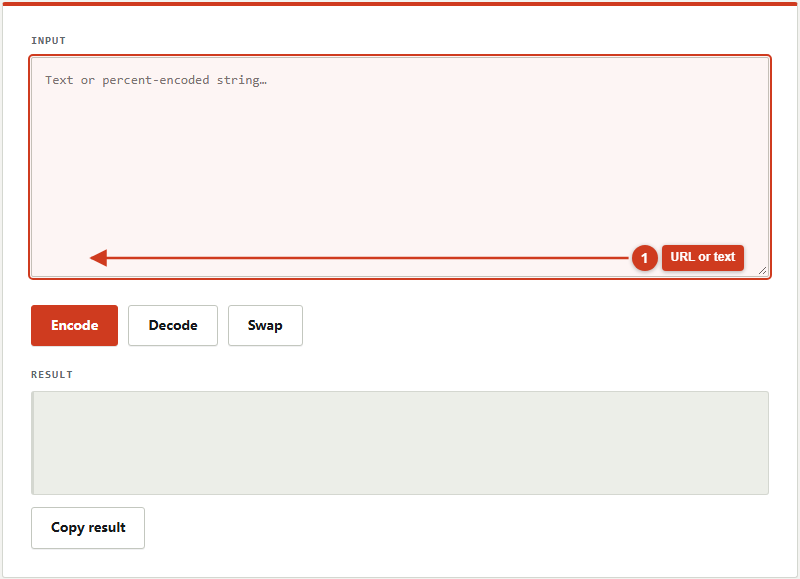
Enter your input
Enter a URL or text containing characters that need encoding.
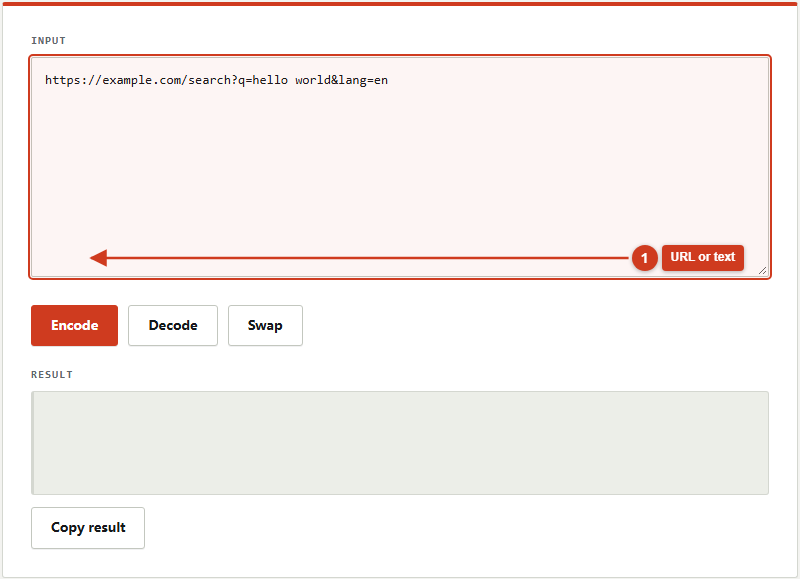
Run the tool
Click Encode to percent-encode the characters. The encoded string replaces spaces and reserved characters with percent escapes. Click Decode to reverse it.
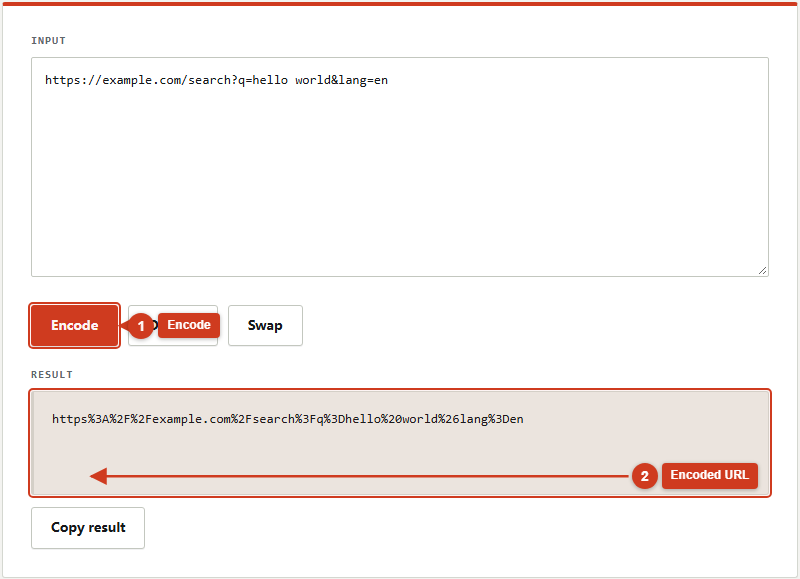
Tip: Encode individual query values rather than a whole URL when you only need to escape one parameter.
Frequently asked questions
What characters get encoded?
encodeURIComponent escapes everything except letters, digits and - _ . ! ~ * ' ( ). Spaces become %20.
Why not encode a whole URL at once?
Encoding a full URL will also escape the : / ? and & separators. Encode individual parameter values instead.
Is anything uploaded?
No. Encoding uses built-in browser functions and stays on your device.
What if decoding fails?
The input likely contains a malformed percent escape such as a lone %. Check the string and try again.
Page last reviewed: