JWT Decoder
Paste a JWT to view its header and payload as formatted JSON. Signature verification is not performed — this tool only decodes.
How it works and known limits
What the decoder actually does
A JWT has three Base64URL segments separated by dots. The tool converts - and _ back to + and /, decodes the header and payload, and prints them as indented JSON. If the payload contains exp or iat, it also prints the matching UTC date. The signature segment is displayed verbatim and is never checked.
Why decoding is not verification
Anyone can craft a token header and payload and append an arbitrary signature, so decoded content is a claim rather than proof. Only a server holding the correct key can verify the signature and confirm the issuer. Never grant access or trust an identity based on this output.
Practical workflow
Paste a token to see which claims it carries, confirm the alg header matches what you expect, and compare exp against the current time. A long payload is easier to review here than in a terminal. Avoid pasting production tokens on a shared computer.
How to decode a JWT token (with screenshots)
Paste a JSON Web Token to read its header and payload. Decoding is local and the signature is never verified.
Open the JWT Decoder
Open the JWT Decoder page. The jwt token is where your work begins; the result appears on the right.
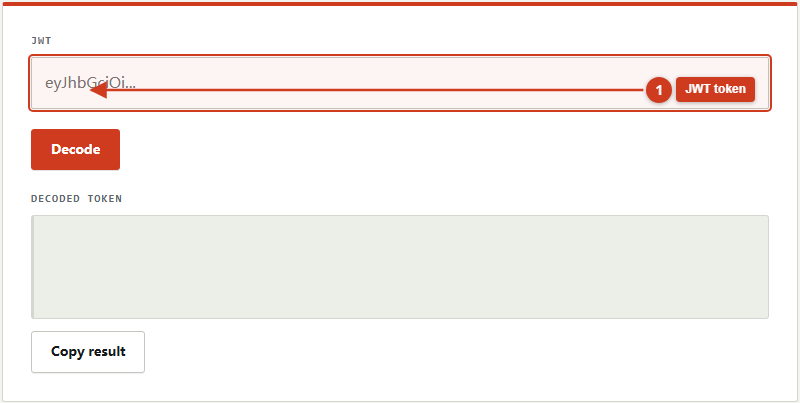
Enter your input
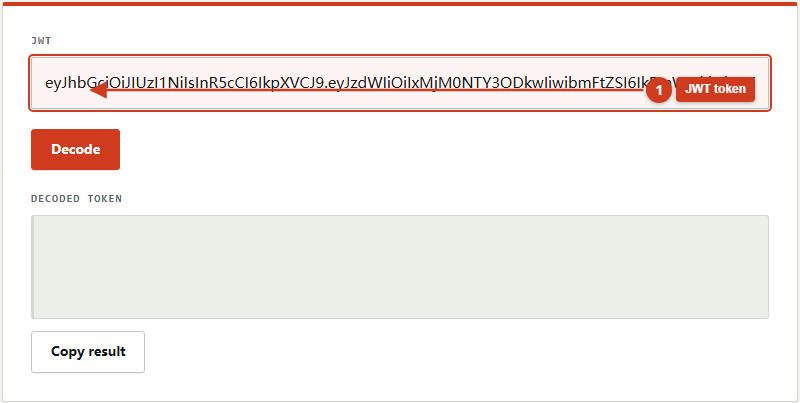
Paste a three-part JWT (header.payload.signature) into the JWT token box.
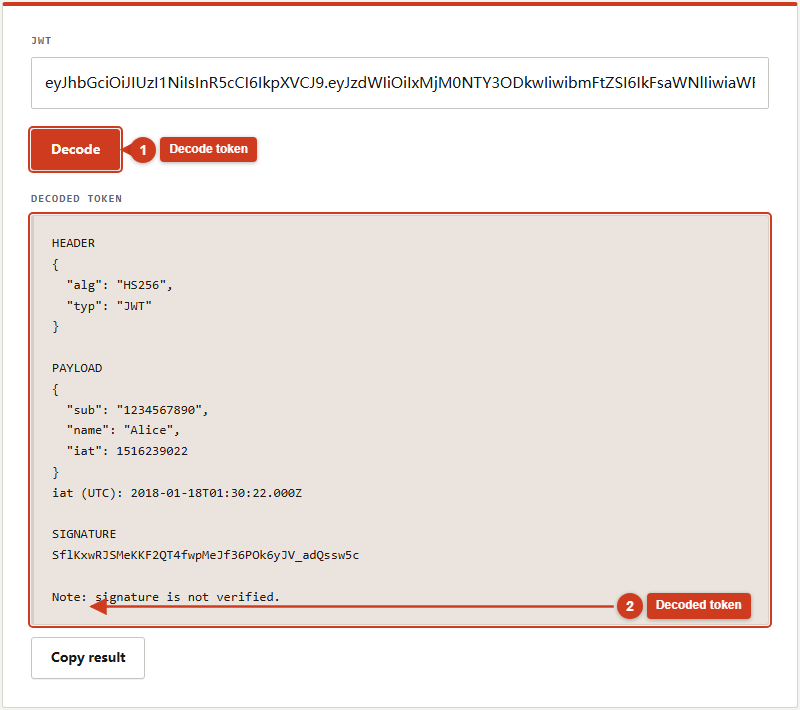
Run the tool
Click Decode token to read the two JSON segments. The header and payload are pretty-printed, with exp and iat converted to UTC dates. The signature is shown but not verified.
Tip: Decoding does not prove a token is genuine — verification requires the secret or public key on your server.
Frequently asked questions
Does this tool verify the signature?
No. It decodes the three token segments for inspection only. Signature verification must be done by your server with the correct key.
Is it safe to paste a real token?
Decoding is entirely local and nothing is uploaded. Still, avoid sharing production tokens on shared computers.
What does “exp” mean?
The exp claim is the expiry time as a Unix timestamp. The tool shows the decoded human-readable date alongside it.
Why does decoding fail?
Check that the token has three dot-separated segments and that each segment is valid Base64URL.
Page last reviewed: