Hash Generator
Enter text and get four cryptographic hashes at once. The Web Crypto API computes them on your device.
How it works and known limits
How the hashes are computed
All four digests are produced by the Web Crypto API SubtleCrypto.digest method over the UTF-8 encoding of your input. The output is lowercase hexadecimal: SHA-1 is 40 characters, SHA-256 is 64, SHA-384 is 96 and SHA-512 is 128. The same input always yields the same digest — hashing is deterministic, not encryption.
Known limits
SHA-1 is included for legacy compatibility only; chosen-prefix collisions have been demonstrated, so it must not be used for signatures or integrity decisions. Fast hashes are unsuitable for passwords — use Argon2, bcrypt or scrypt with a salt. This tool hashes the UTF-8 bytes of a JavaScript string, which is not identical to hashing a raw file.
Practical uses
Compare a SHA-256 digest against a published checksum to confirm a text payload was not altered. Generate a stable fingerprint for a configuration value. Never paste secrets here expecting confidentiality — the digest of a low-entropy secret can be brute-forced offline.
How to generate SHA hashes (with screenshots)
Compute SHA-1, SHA-256, SHA-384 and SHA-512 digests of any text using the browser Web Crypto API.
Open the Hash Generator
Open the Hash Generator page. The text is where your work begins; the result appears on the right.
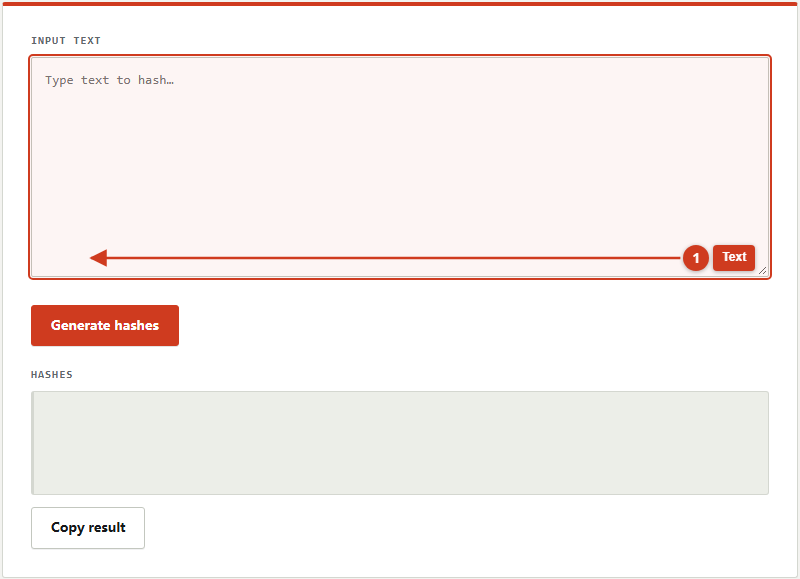
Enter your input
Enter the text you want to hash into the input box.
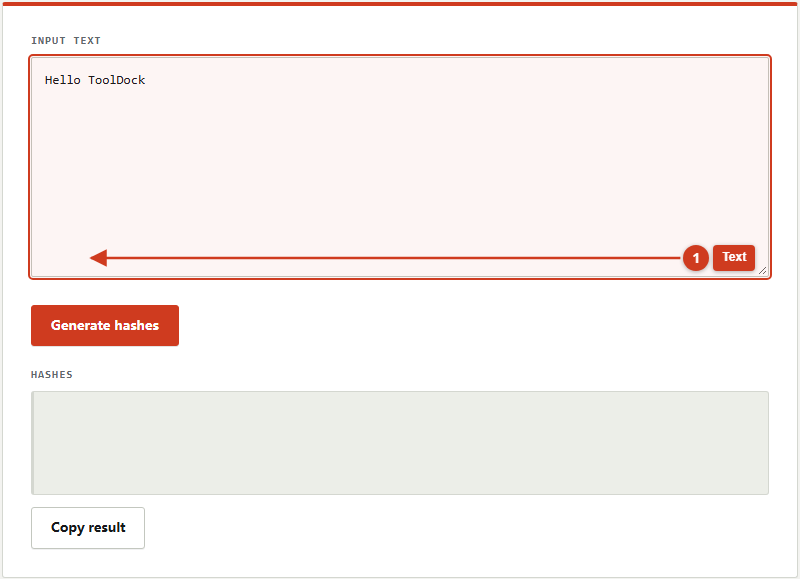
Run the tool
Click Generate hashes to compute all four digests at once. Each algorithm and its hexadecimal digest is listed on its own line. The same input always produces the same digest.
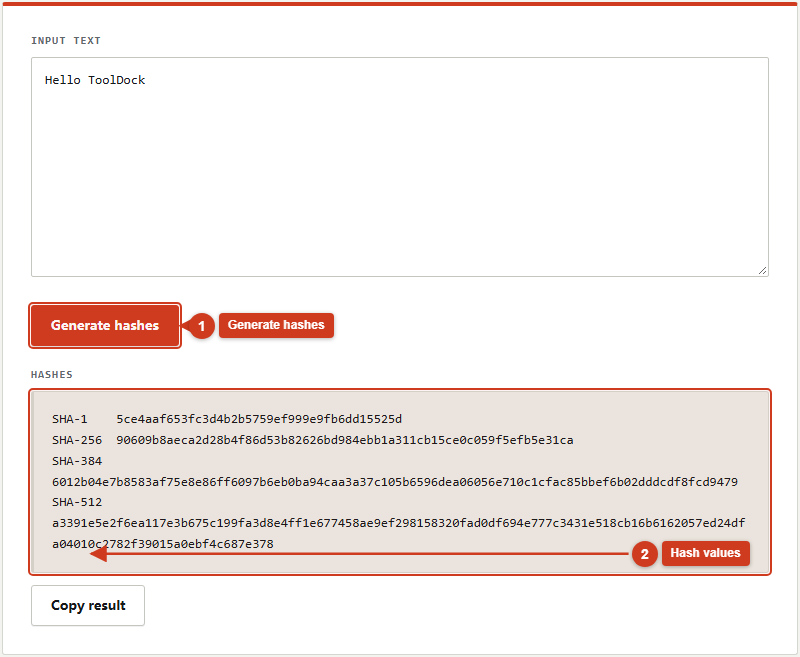
Tip: For passwords, use a slow password-hashing algorithm such as bcrypt or Argon2 — not a plain SHA digest.
Frequently asked questions
Are these hashes secure for passwords?
No. General-purpose hashes are too fast for passwords. Use a dedicated password hashing algorithm such as bcrypt, scrypt or Argon2.
Is my input sent to a server?
No. Hashing uses the Web Crypto API in your browser. Nothing is transmitted.
Which algorithms are available?
SHA-1, SHA-256, SHA-384 and SHA-512. SHA-1 is included for compatibility only and should not be used for new security designs.
Can I hash a file?
This tool hashes text. File hashing requires reading the file into an ArrayBuffer, which is a separate workflow.
Page last reviewed: