Base64 Encode / Decode
Encode plain text to Base64, or paste Base64 to decode it. UTF-8 is handled correctly so non-ASCII characters survive the round trip.
How it works and known limits
How UTF-8 survives the round trip
Encoding runs btoa(unescape(encodeURIComponent(text))). encodeURIComponent converts the JavaScript string to UTF-8 percent escapes, unescape turns those escapes into a binary string, and btoa produces standard Base64. Decoding reverses the chain. That extra step matters: calling btoa directly on a string containing an accented letter or an emoji throws an InvalidCharacterError, because btoa only accepts byte values from 0 to 255.
Size and format limits
Base64 expands data by roughly 33 percent: three input bytes become four output characters. Padding with one or two equals signs is preserved on encode, but the decoder does not require canonical padding. Line breaks and spaces in pasted Base64 are not stripped, so copy from a source that emits one continuous string.
When to use it
Use Base64 for small text values in URLs, data URIs or config files where the transport requires ASCII. It is an encoding, not encryption, and adds no confidentiality at all. For binary files or anything larger than a few kilobytes, use a dedicated file encoder instead.
How to encode and decode Base64 (with screenshots)
Convert text to Base64 and back again. Unicode is handled as UTF-8 and everything runs locally.
Open the Base64 Encode / Decode
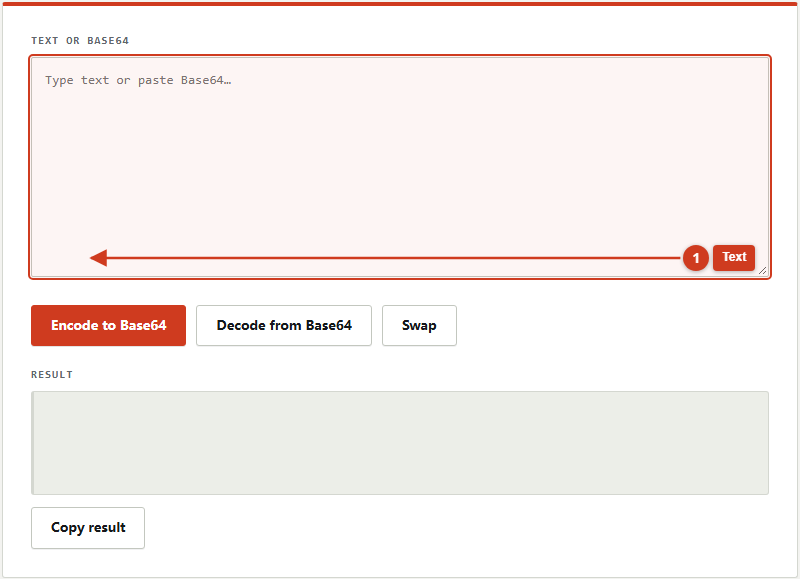
Open the Base64 Encode / Decode page. The text is where your work begins; the result appears on the right.
Enter your input
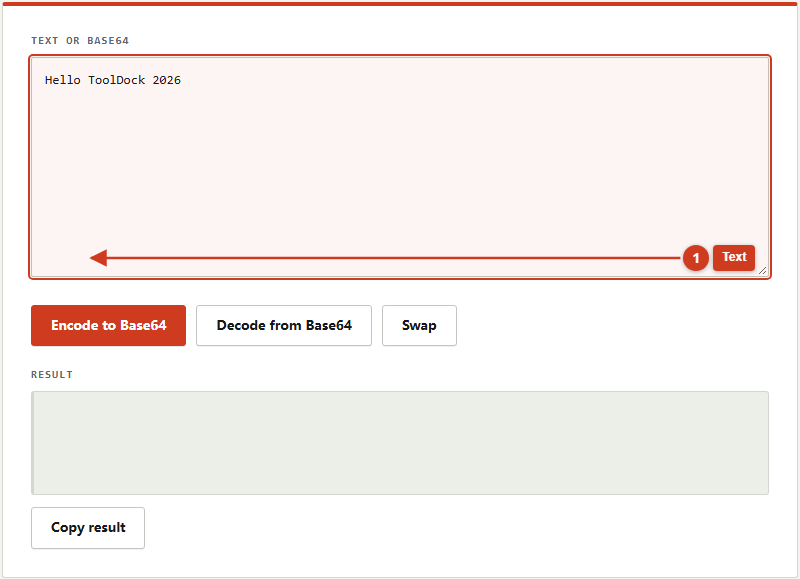
Type the text you want to encode into the input box.
Run the tool
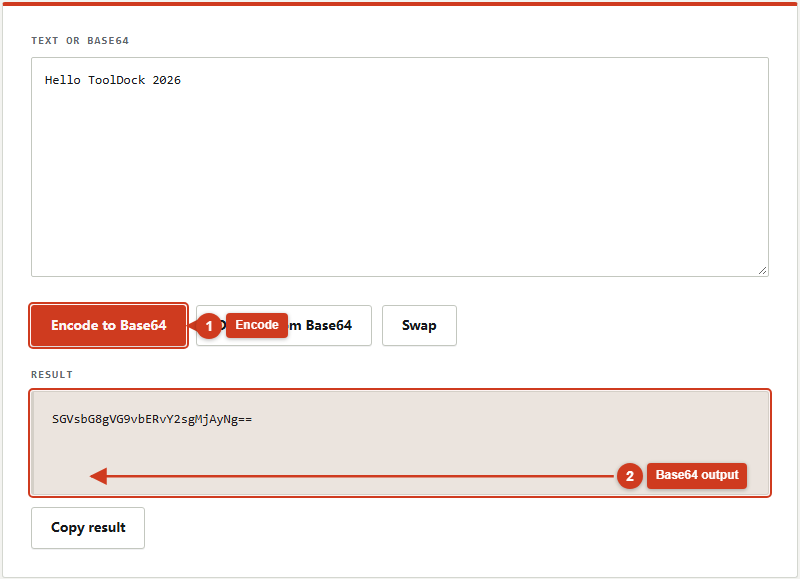
Click Encode to convert the text into Base64. The Base64 string appears in the result box. Click Decode to turn it back into the original text, or Swap to move the result into the input.
Tip: Base64 is an encoding, not encryption — never use it to hide secrets.
Frequently asked questions
Is Base64 encoding encryption?
No. Base64 is an encoding scheme, not encryption. Anyone can decode it, so never use it to protect secrets.
Can I encode images or files?
This tool handles text. For binary files, use your operating system or a dedicated file-to-Base64 utility.
Why do I see strange characters after decoding?
The input is probably not valid Base64, or it was encoded with a different character set. This tool assumes UTF-8.
Does my text leave the browser?
No. Encoding and decoding use browser APIs only; nothing is transmitted.
Page last reviewed: