Regex Tester
Enter a pattern and test string. Matches are highlighted as you type, with a full list of captures and their positions.
How it works and known limits
How matching works
The tester calls the JavaScript RegExp engine built into your browser, so behaviour follows the ECMAScript specification rather than PCRE or Python syntax. Each match is collected with its start and end index; with the global flag enabled, all non-overlapping matches are returned. The whole pattern is recompiled on every keystroke, which is instant for typical patterns under 200 characters.
Known limits
Lookbehind is unsupported in older Safari versions. Catastrophic backtracking is possible with nested quantifiers such as (a+)+ on long non-matching strings — if the browser freezes, close the tab. Patterns are evaluated on the main thread; there is no execution timeout.
Practical workflow
Start with the global flag off to confirm the first match, then enable g to see every occurrence. Add i for case-insensitive matching and m when ^ and $ should match line boundaries. For patterns you intend to ship, test against both ideal input and deliberately malformed input.
How to test a regular expression (with screenshots)
Write a pattern, set flags and see every match with its position — without running code on a server.
Open the Regex Tester
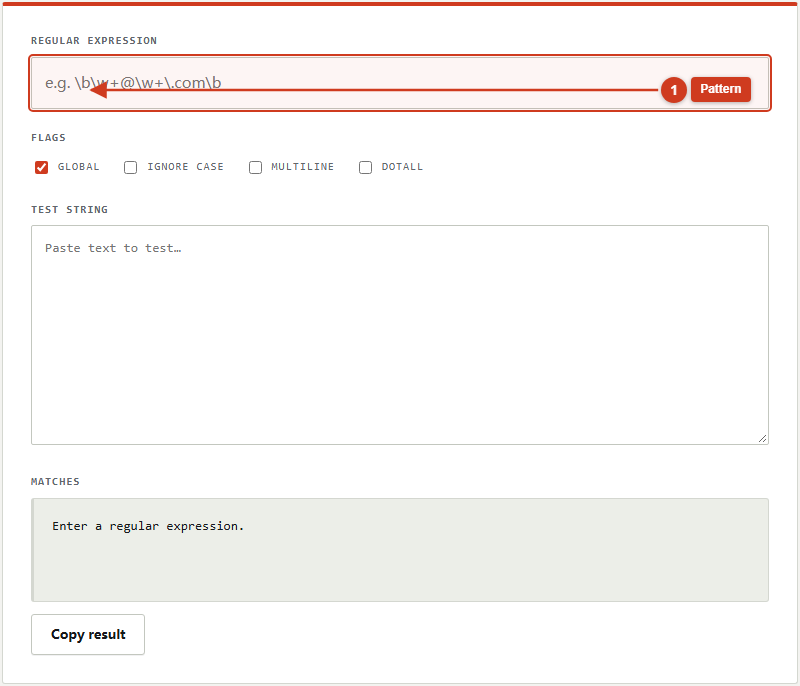
Open the Regex Tester page. The pattern is where your work begins; the result appears on the right.
Enter your input
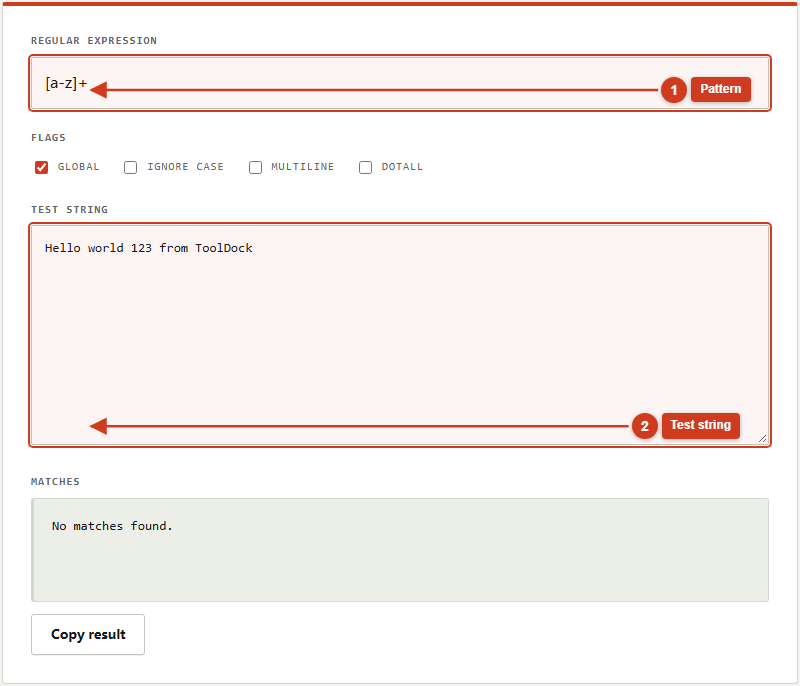
Type a regular expression in the Pattern box. This one matches runs of lowercase letters. Enter the text to test against in the Test string box.
Read the result
Matches update as you type. Each line shows the matched text and its character position; the g flag controls whether all matches or just the first are returned.
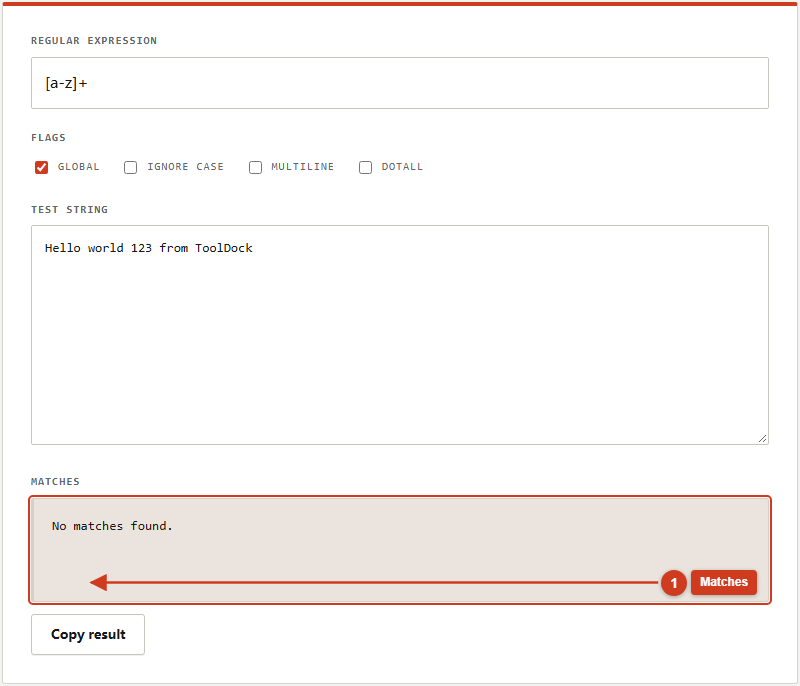
Tip: Tick the global flag (g) to find all matches, and (i) to make the pattern case-insensitive.
Frequently asked questions
Which regex flags are supported?
Global (g), case-insensitive (i), multiline (m) and dotAll (s) are supported. Toggle them with the checkboxes.
Does the tester upload my text?
Never. The regular expression engine built into your browser does all the work locally.
Why does my pattern match only once?
Enable the global (g) flag. Without it, JavaScript returns only the first match.
Can I use lookahead and lookbehind?
Yes, if your browser supports them. Modern Chrome, Edge, Firefox and Safari support lookahead; lookbehind support varies.
Page last reviewed: