JSON Formatter
Paste JSON on the left. Format it with readable indentation, minify it for transport, or validate it to pinpoint syntax errors with line and column numbers.
How it works and known limits
How error positions are calculated
Validation uses the browser native JSON.parse. When parsing fails, the parser reports a character index; this tool converts it into a line and column by counting newline characters before that index. Because the conversion counts newline characters, the reported line and column correspond to what a text editor shows for that same character index.
Known limits
JSON.parse rejects trailing commas and comments, although many editors accept them. Duplicate object keys are legal JSON and the last value wins without a warning. Integers above 2^53 lose precision because JavaScript represents all numbers as 64-bit floats — paste large IDs as strings.
When to use each button
Use Format for config files and API samples you need to read, Minify for transport and storage, and Validate before committing hand-edited JSON. Format also validates, so a separate Validate pass is only needed when you want the exact error position.
How to format and validate JSON (with screenshots)
Paste JSON, choose an indent and read neatly structured output — all locally in your browser.
Open the JSON Formatter
Open the JSON Formatter page. The json input is where your work begins; the result appears on the right.
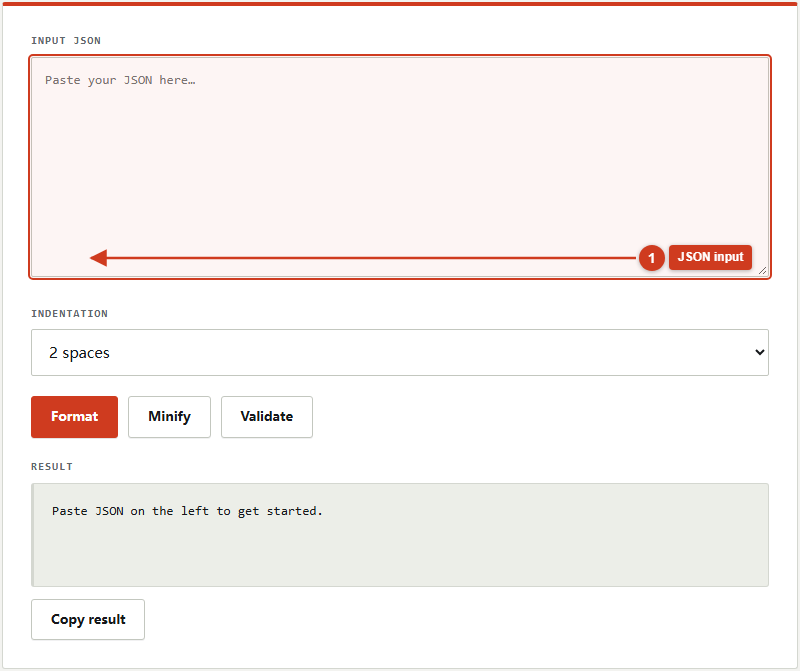
Enter your input
Paste a JSON object into the JSON input box. A nested object with arrays shows the formatting best.
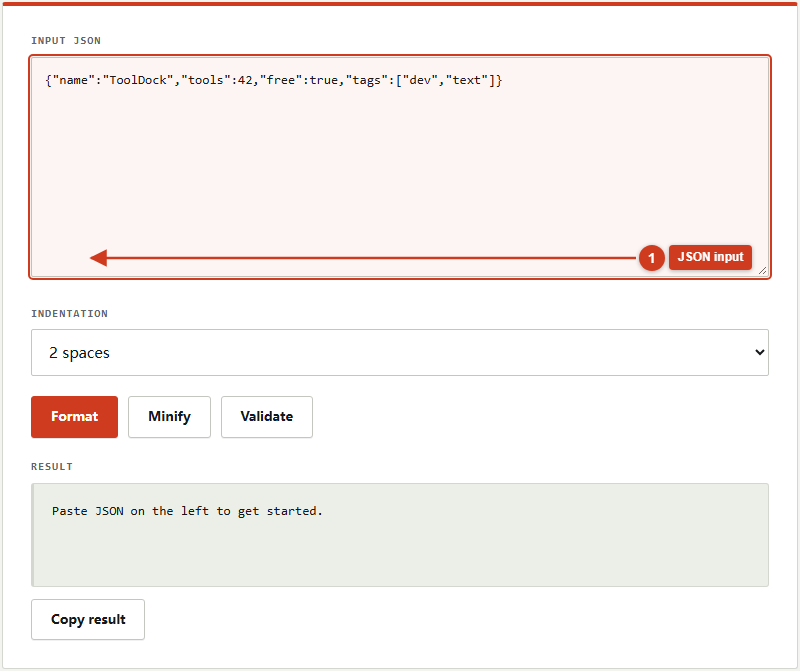
Set the options
Choose four-space indentation from the Indent menu.
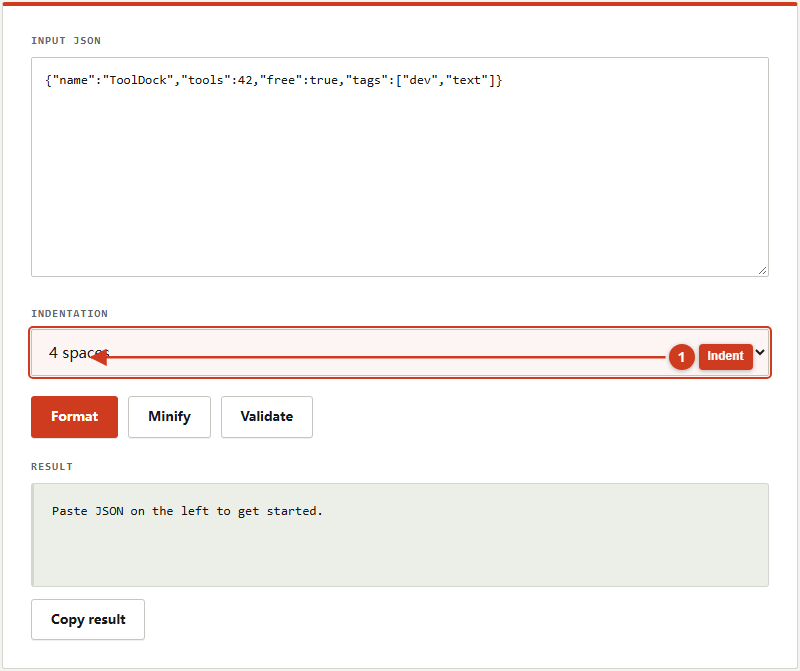
Run the tool
Click Format JSON to pretty-print the document. The formatted JSON appears in the result box with one key per line. Use Validate to check syntax or Minify to remove whitespace.
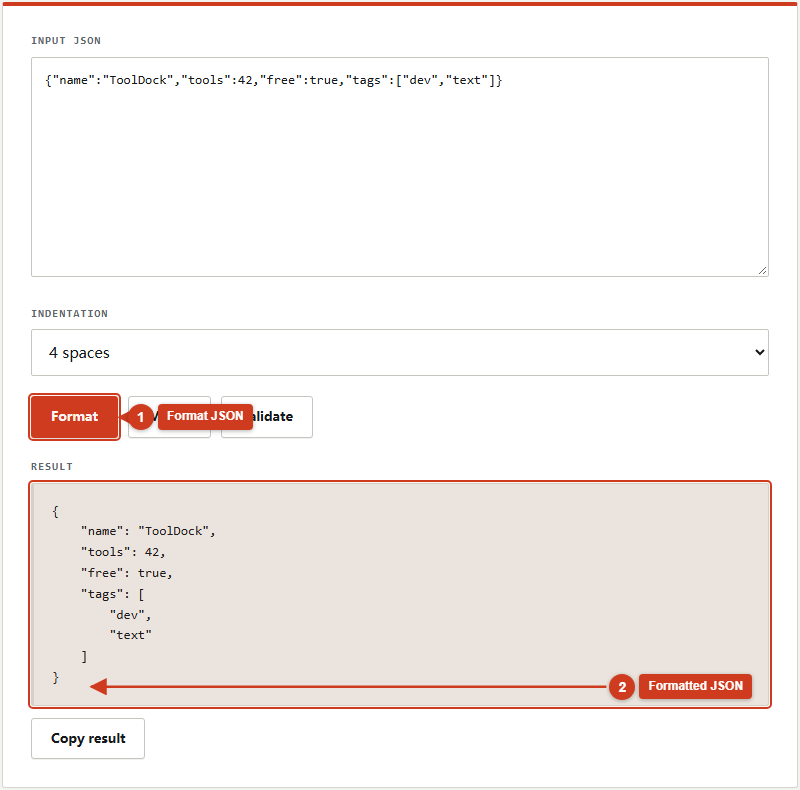
Tip: If the JSON is invalid, the tool reports the exact line and column where parsing stopped.
Frequently asked questions
Is my JSON uploaded to a server?
No. Parsing and formatting happen entirely in your browser using JavaScript. Your data is never sent anywhere.
What is the difference between formatting and minifying?
Formatting adds indentation and line breaks so JSON is easy to read. Minifying removes all whitespace, producing the smallest possible single-line output.
How do I fix a JSON syntax error?
Click Validate. The tool reports the character position plus the approximate line and column, along with the parser message, so you can jump to the problem.
Does the tool support large JSON files?
There is no fixed limit. Practical size depends on your browser memory, but files of several megabytes usually work fine.
Page last reviewed: