Markdown to HTML Converter
A lightweight Markdown converter covering the syntax you use most. The generated HTML is shown as escaped source so you can copy it safely.
How it works and known limits
What the converter covers
It handles six heading levels, bold, italic, inline code, fenced code blocks, links, unordered and ordered lists, and paragraphs. Input is escaped before inline replacements run, so raw HTML written in Markdown is rendered as text rather than executed.
Where it stops
This is a practical subset, not CommonMark. Tables, task lists, blockquotes, footnotes, images and nested lists are not supported. A fence opened with three backticks closes at the next fence; an unclosed fence is closed automatically at the end of the input.
Practical uses
Good for README drafts, release notes and short documentation where you want a quick HTML fragment without installing a parser. The output is shown as escaped source, so it can be pasted into a template safely.
How to convert Markdown to HTML (with screenshots)
Convert headings, lists, links and inline emphasis to HTML. The converter runs entirely in your browser.
Open the Markdown to HTML
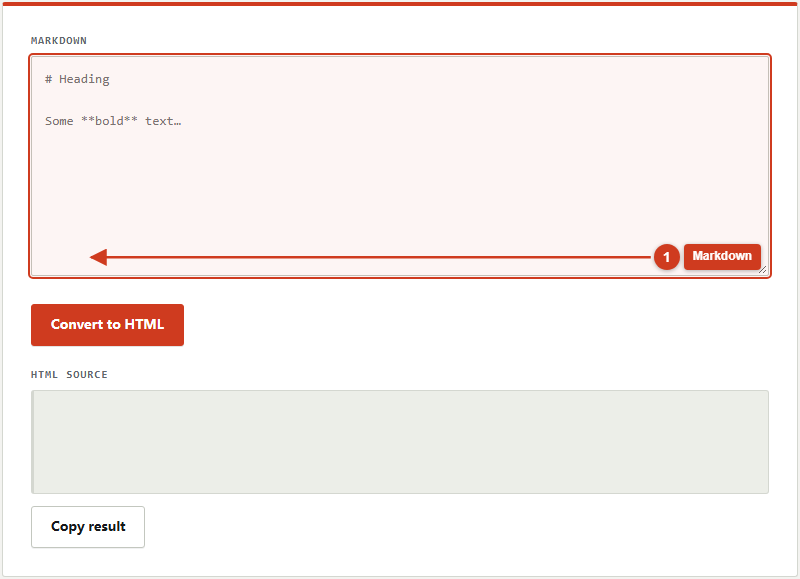
Open the Markdown to HTML page. The markdown is where your work begins; the result appears on the right.
Enter your input
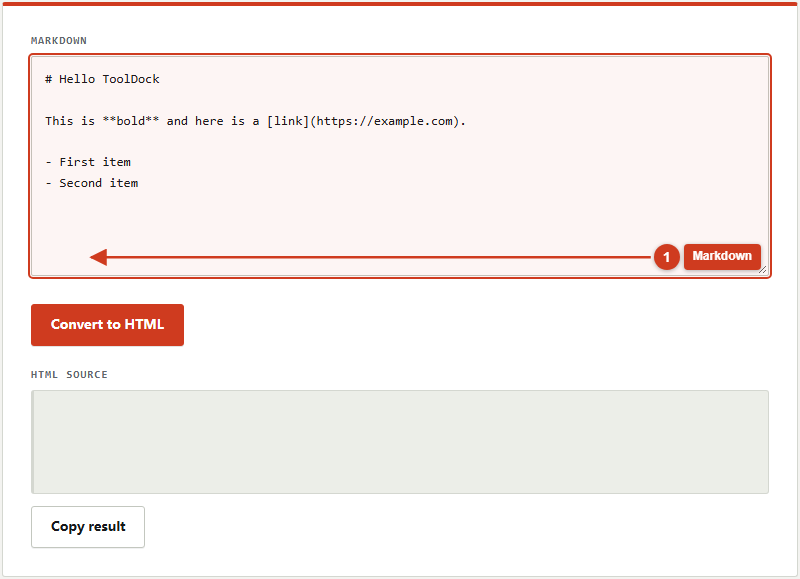
Type or paste Markdown into the input box. The example covers a heading, bold text, a link and a list.
Run the tool
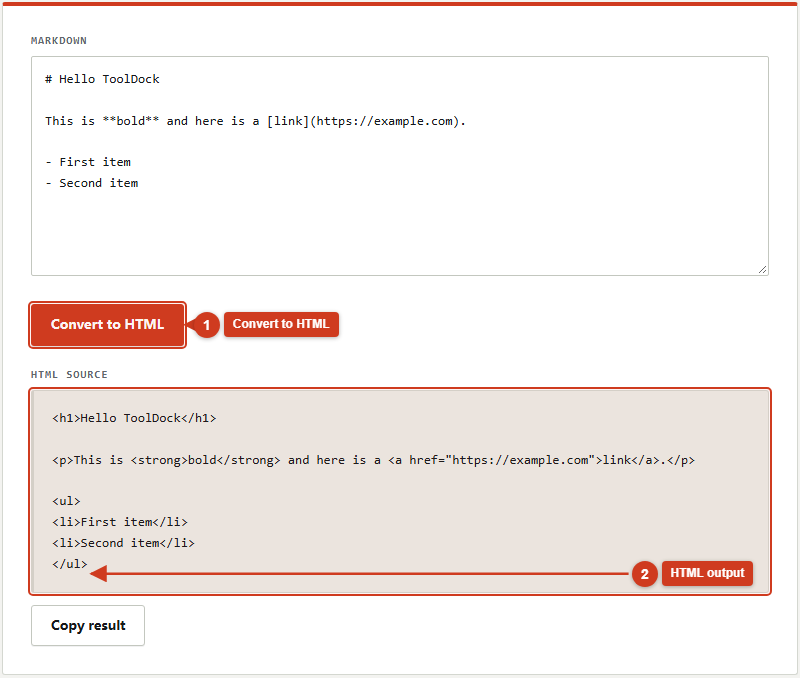
Click Convert to HTML to generate the markup. The HTML output shows each Markdown element converted to its tag. Copy it straight into a page.
Tip: Code fences become pre/code blocks, and the converter escapes HTML inside them.
Frequently asked questions
Which Markdown features are supported?
Headings, bold, italic, inline code, fenced code blocks, links, unordered and ordered lists, and paragraphs.
Is this a full CommonMark implementation?
No. It is a practical subset for everyday notes and README files, not a specification-complete parser.
Does my content get uploaded?
No. Conversion runs entirely in your browser.
How do I copy the HTML?
Click Copy. The escaped source is placed on your clipboard, ready to paste into a file.
Page last reviewed: