JSON to YAML Converter
Paste valid JSON and get YAML with consistent two-space indentation. Strings are quoted when needed to preserve their type.
How it works and known limits
How values are emitted
The converter parses JSON with the browser JSON parser, then walks the result recursively using two-space indentation. Numbers and booleans are written as plain YAML scalars. Strings are quoted when they are empty, look like yes/no/true/false/null, begin with punctuation such as - ? : # & or a digit, or contain a colon followed by a space.
Known limits
YAML 1.1 and YAML 1.2 disagree about some unquoted words; the quoting rules here are deliberately conservative so the output is safe in both. Date-looking values stay strings, which avoids accidental timestamp parsing. Anchors, aliases, comments and flow style are not produced.
Practical uses
Use it to turn an API response into a readable config snippet or move a small JSON settings file into a YAML pipeline. Empty objects and arrays become {} and [] instead of being dropped, so the structure is preserved.
How to convert JSON to YAML (with screenshots)
Turn a JSON document into clean YAML indentation. Strings are quoted automatically when needed.
Open the JSON to YAML
Open the JSON to YAML page. The json is where your work begins; the result appears on the right.
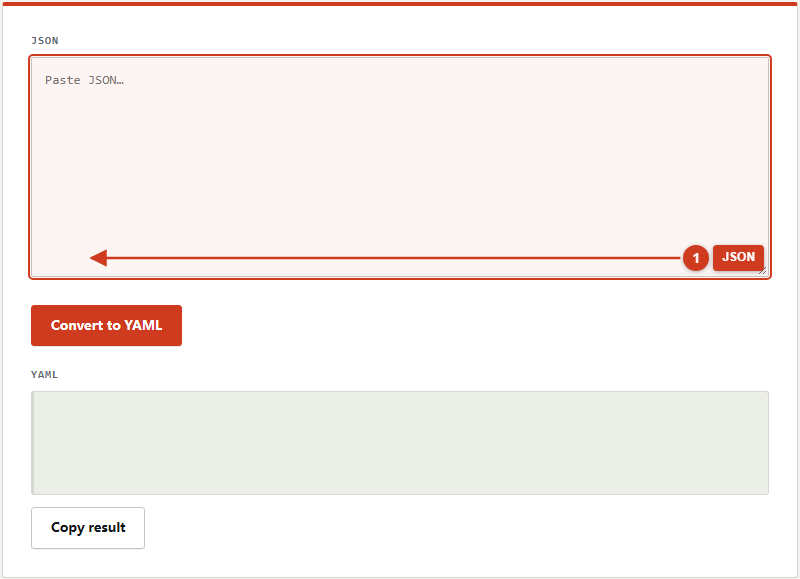
Enter your input
Paste a JSON object into the input box.
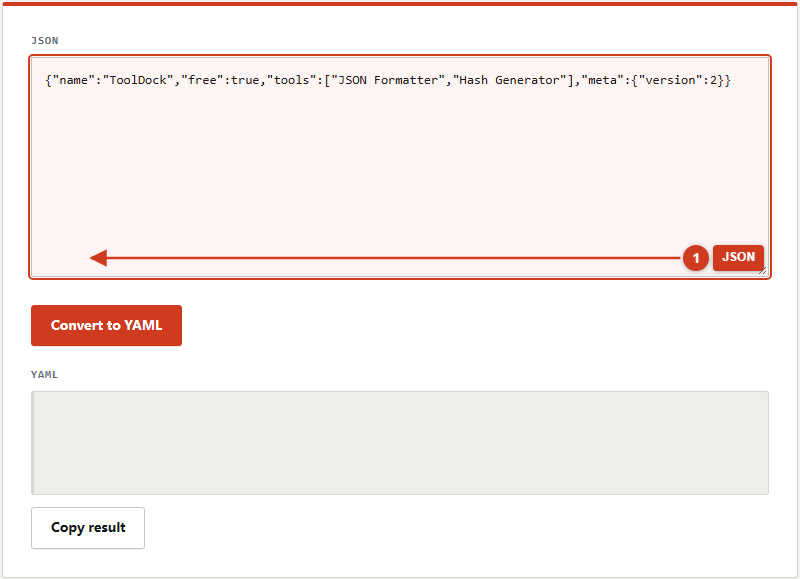
Run the tool
Click Convert to YAML to build the indented document. The YAML output uses two-space indentation, with arrays and nested objects expanded line by line.
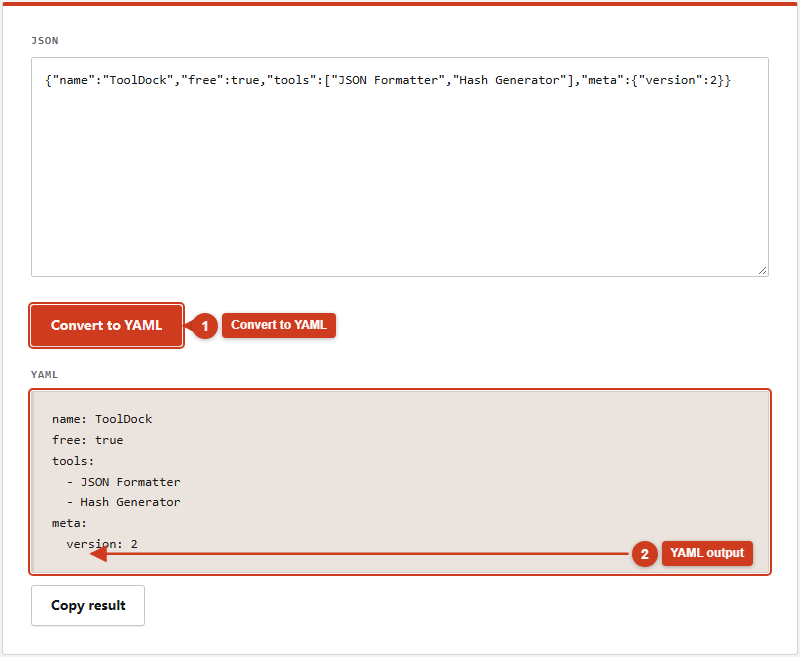
Tip: Values that look like numbers or booleans are quoted so they stay strings in YAML.
Frequently asked questions
Does the converter support nested objects?
Yes. Objects and arrays are converted recursively with indentation reflecting the nesting depth.
How are booleans and numbers handled?
They are emitted as YAML scalars without quotes so they keep their original type.
Is my JSON uploaded?
No. Conversion happens locally in your browser.
Can I convert YAML back to JSON?
This tool converts one direction only. Use a dedicated YAML parser for the reverse.
Page last reviewed: