CSV to JSON
Paste comma or tab separated data. The first row is treated as headers and every following row becomes a JSON object.
How it works and known limits
How parsing works
The parser reads the input character by character and tracks whether it is inside a quoted field. A comma or newline inside double quotes is treated as data rather than a separator, and doubled quotes inside a field are collapsed to a single quote. This covers the quoting rules used by Excel and Google Sheets exports.
Values and empty cells
Every value stays a string so that leading zeros in identifiers and postal codes are preserved. Empty cells become empty strings. Trailing blank lines are ignored, and a row with fewer columns than the header is padded.
Known limits
The converter does not guess numbers or booleans, so you may need to cast values after importing. Embedded newlines inside quoted fields are supported, but very large files are limited by browser memory. Choose Tab as the delimiter for TSV input.
How to convert CSV to JSON (with screenshots)
Turn a CSV table into a JSON array of objects. The first row is used as the object keys.
Open the CSV to JSON
Open the CSV to JSON page. The csv data is where your work begins; the result appears on the right.
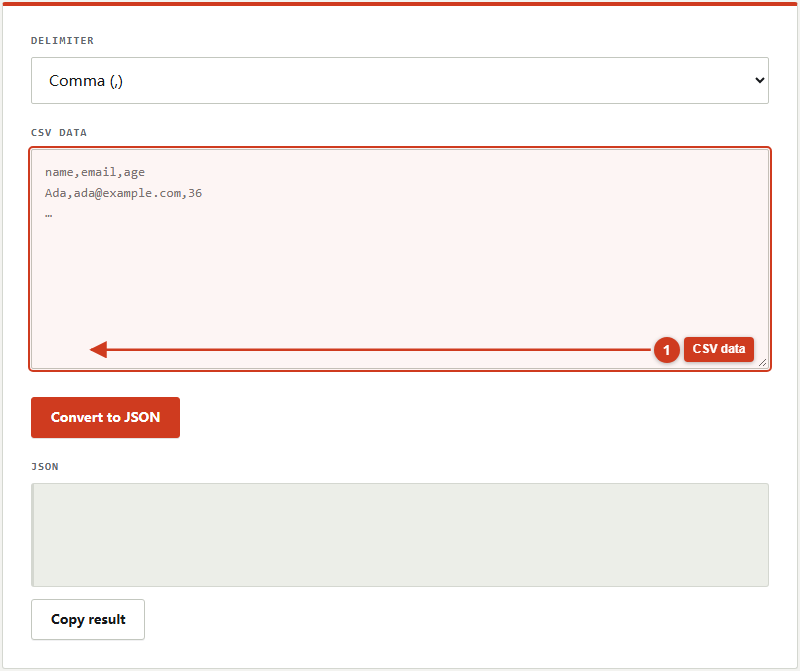
Enter your input
Paste CSV text with a header row and at least one data row into the CSV data box.
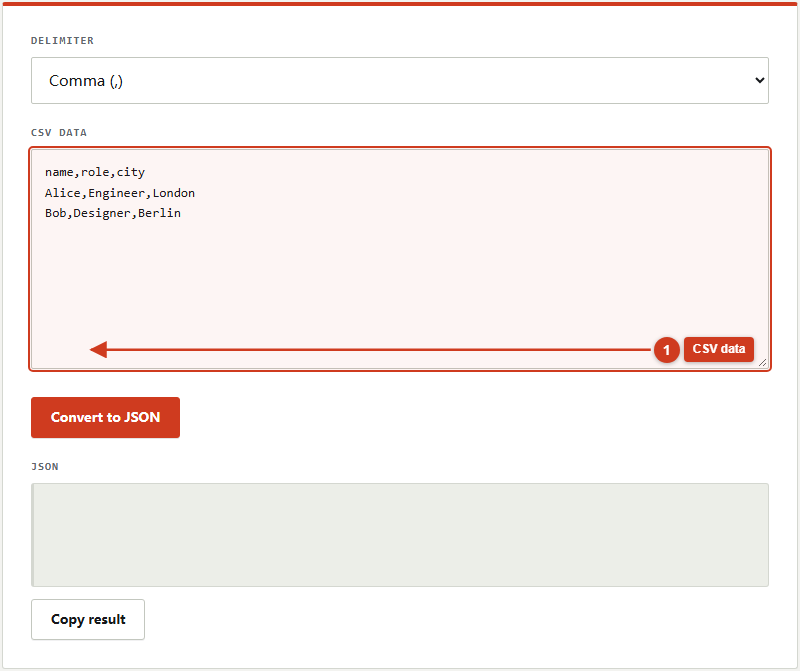
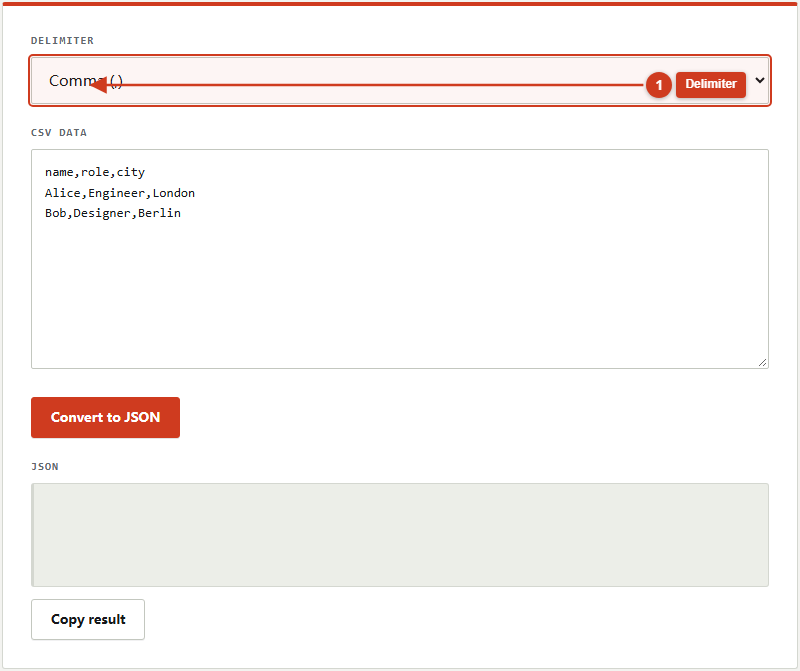
Set the options
Choose the delimiter that separates your columns. Comma is used in this example.
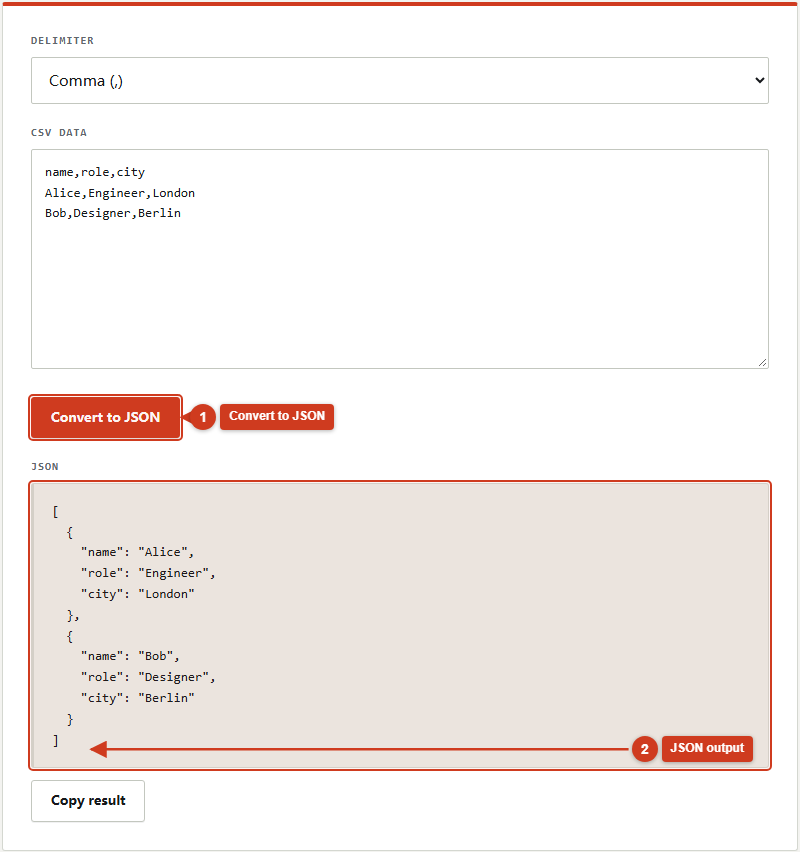
Run the tool
Click Convert to JSON to build the array. Each data row becomes an object whose keys come from the header row, printed as formatted JSON.
Tip: Quoted fields containing the delimiter are supported, so values like "Smith, John" stay intact.
Frequently asked questions
Is my spreadsheet data uploaded?
No. Conversion happens in your browser and the data is never transmitted.
Does it handle commas inside quoted values?
Yes. Quoted fields are parsed as a single value, including commas and line breaks.
Are numbers converted to JSON numbers?
No. All values stay as strings to preserve formatting such as leading zeros.
Can I convert TSV files?
Yes. Select Tab as the delimiter before converting.
Page last reviewed: