Unit Converter
Choose a measurement category, enter a value, and convert it to any other unit in that category.
How it works and known limits
How conversion works
Every unit in a category is defined by a factor relative to a base unit. The tool converts an input to the base and then to the target unit. Temperature is the exception: Celsius, Fahrenheit and Kelvin use explicit offset formulas rather than a single multiplier.
Unit families
Length covers metric and imperial distances, weight covers mass units, area covers square measures including acres and hectares, volume covers litres and US customary units, and speed covers metres per second, kilometres per hour, miles per hour and knots.
Known limits
Conversions use standard international definitions and rounded factors. US customary units differ from imperial units in some historical definitions, and the tool uses the modern common values. Results are shown to six significant figures and are estimates for practical use.
How to convert units (with screenshots)
Convert between length, weight, temperature, area, volume and speed units using a single tool.
Open the Unit Converter
Open the Unit Converter page. The value is where your work begins; the result appears on the right.
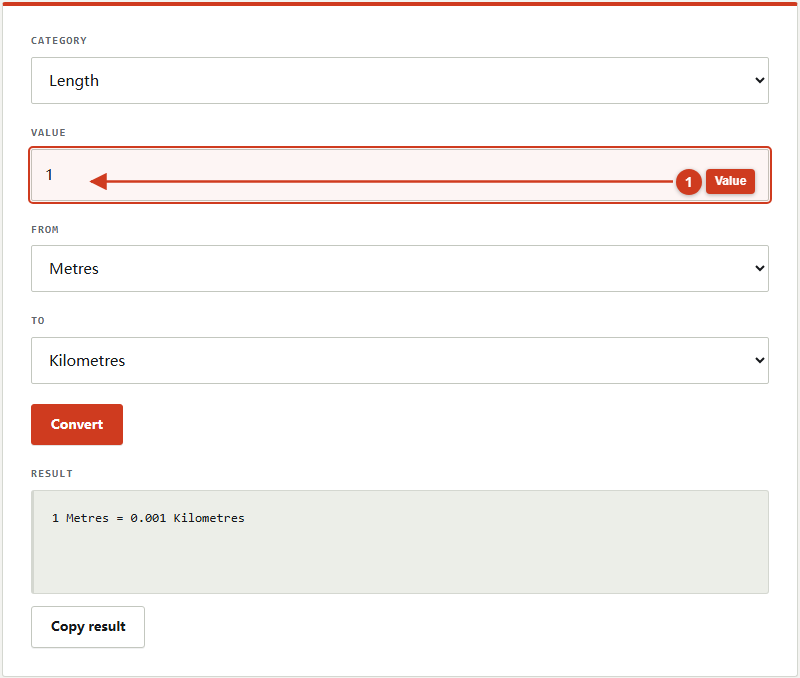
Enter your input
Enter the value you want to convert. This example uses 100.
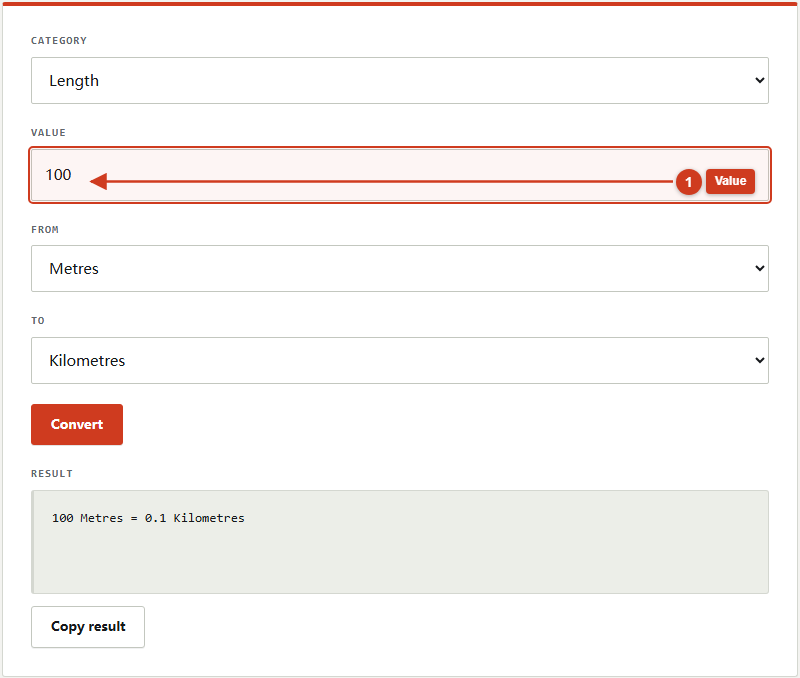
Set the options
Choose a category first — this example uses Length. Pick the source unit. Metres are selected here. Pick the target unit. Feet are selected here.
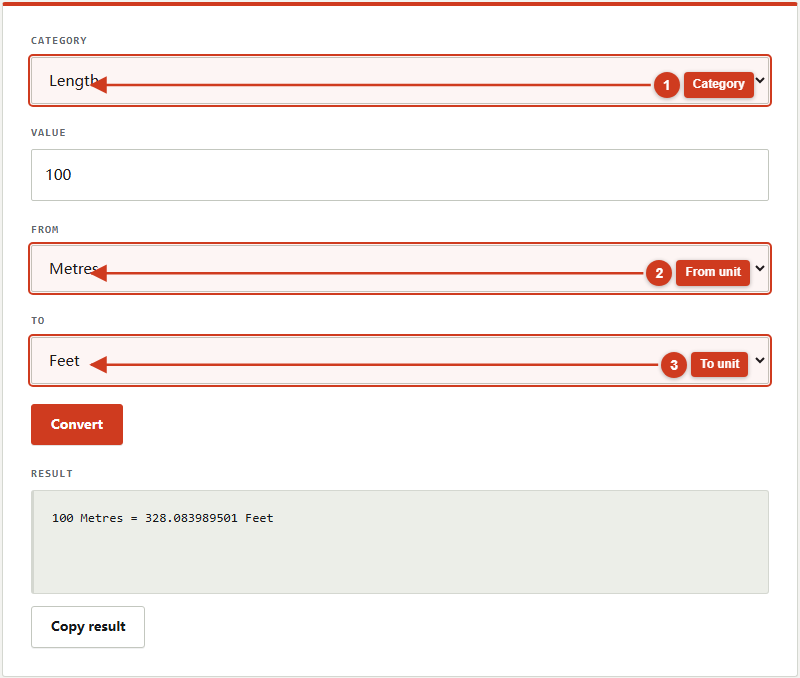
Read the result
The result updates immediately, showing the converted value with both unit names.
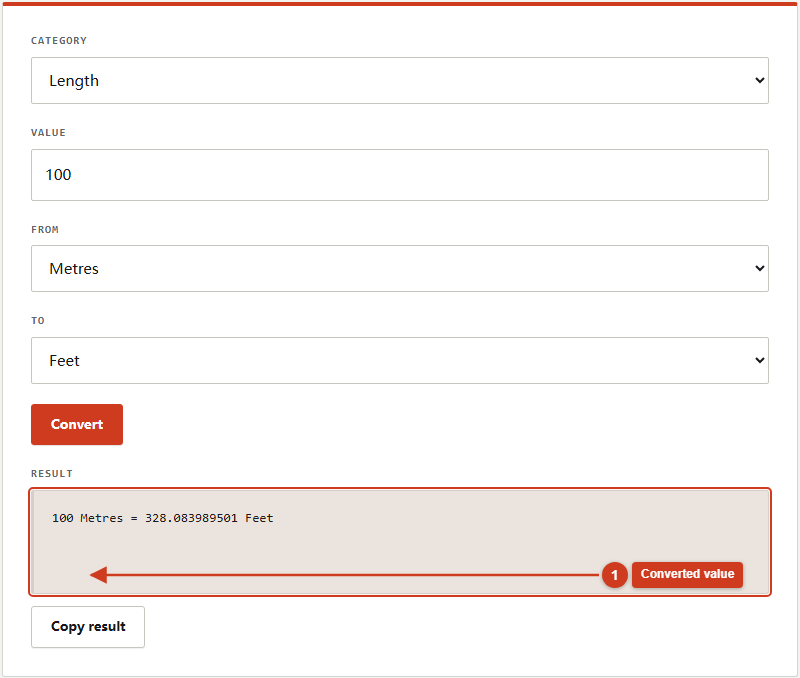
Tip: Changing the category rebuilds both unit menus, so always check the From and To selections afterward.
Frequently asked questions
Which categories are supported?
Length, weight, temperature, area, volume and speed.
How are temperatures converted?
With the exact offset formulas between Celsius, Fahrenheit and Kelvin, not a multiplier.
Does it convert currency?
No. Currency rates change constantly and need a live data source. This tool converts physical units only.
Is the conversion done on a server?
No. All factors and formulas are built into the page and run locally.
Page last reviewed: