Percentage Calculator
A compact percentage calculator covering the three questions people ask most. Results update as you type.
How it works and known limits
The three formulas
Percent of a value is X/100 multiplied by Y. To find what percent X is of Y, the tool computes X/Y multiplied by 100. Percent change from X to Y is (Y-X)/X multiplied by 100, with the sign reported as increase or decrease. Results are shown to four decimal places where rounding matters.
Division by zero
If Y is zero in the what-percent mode, or X is zero in the change mode, the tool shows a plain-language message instead of Infinity or NaN. This is the most common source of misleading spreadsheet results.
Practical uses
Use it for discounts, tax rates and quick analysis of change between two periods. Percent change is sensitive to the base: a move from 50 to 60 is 20 percent, but the reverse move is only 16.67 percent.
How to calculate percentages (with screenshots)
Solve three common percentage problems: X% of Y, what percent X is of Y, and percentage change.
Open the Percentage Calculator
Open the Percentage Calculator page. The x value is where your work begins; the result appears on the right.
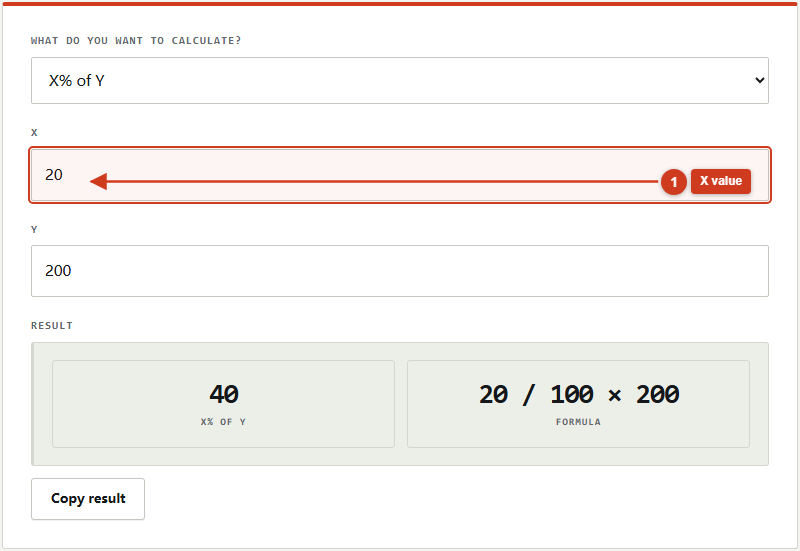
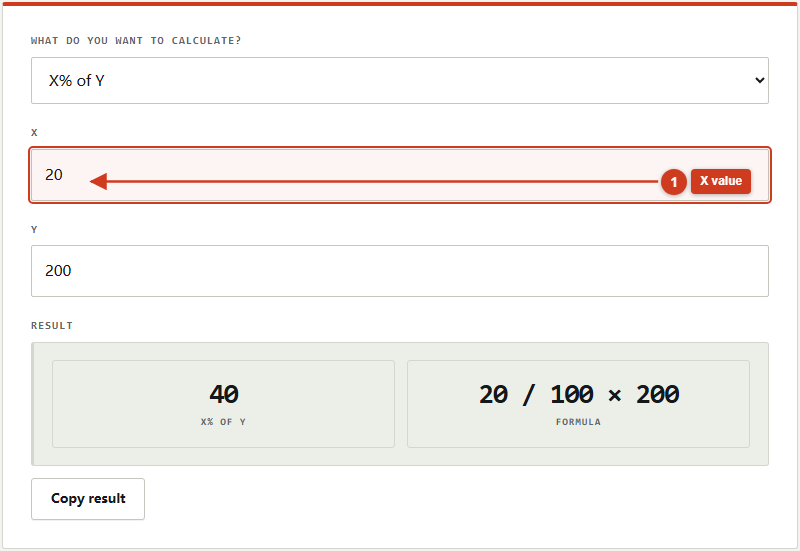
Enter your input
Enter the first value. Its meaning depends on the mode.
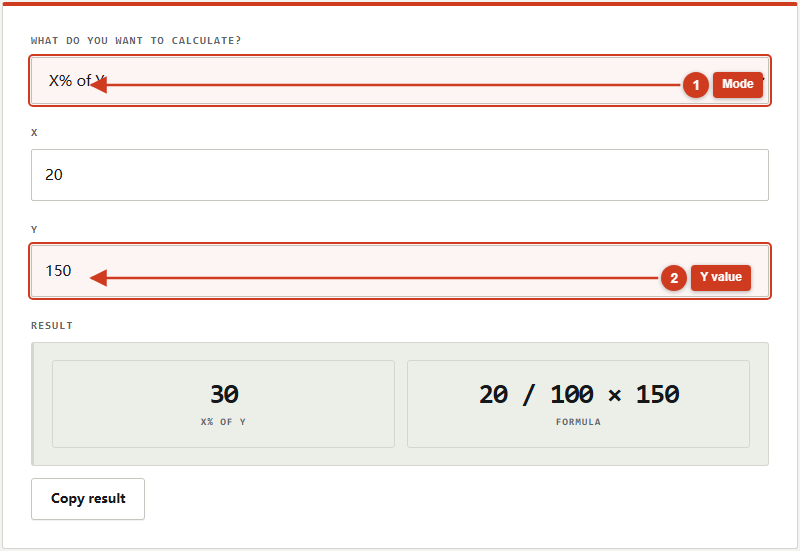
Set the options
Choose the calculation type. "X% of Y" is selected here. Enter the second value. This example finds 20% of 150.
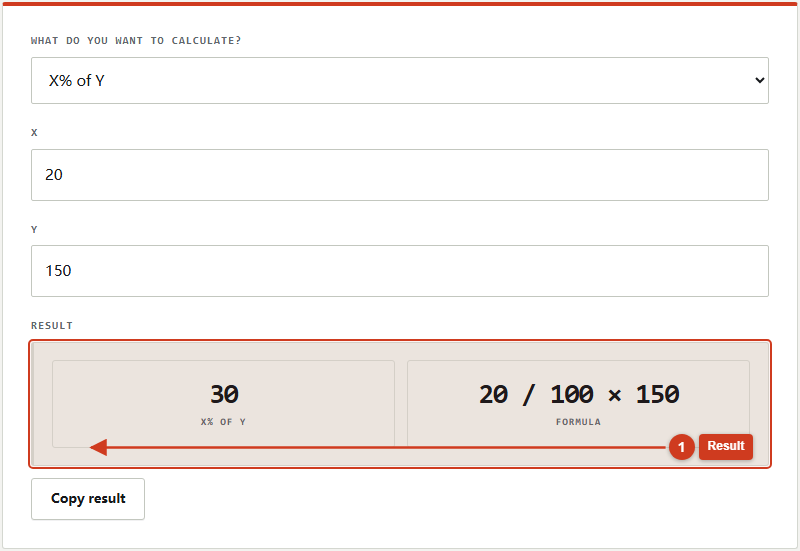
Read the result
The result and the formula update as you type, so you can see exactly how the answer was reached.
Tip: Switch to Change mode to measure the percent increase or decrease between two numbers.
Frequently asked questions
How is percentage change calculated?
(New value - Original value) / Original value × 100. A positive result is an increase, a negative result is a decrease.
Can I use decimals?
Yes. Enter any decimal number in the value fields.
Does it handle division by zero?
If the original value is zero, the tool shows a clear message instead of an invalid result.
Is anything stored?
No. Calculations run locally and nothing is saved.
Page last reviewed: