UUID Generator
Generate one or many RFC 4122 version 4 UUIDs with a single click. Each identifier uses a cryptographically secure random source.
How it works and known limits
Version 4 details
Where supported, the tool calls crypto.randomUUID directly. Otherwise it fills 16 bytes from crypto.getRandomValues, sets the version nibble to 4 in byte 6 and the variant bits to 10 in byte 8, then formats the bytes as eight-four-four-four-twelve hexadecimal characters.
Collision probability
A version 4 UUID has 122 random bits. The birthday bound means roughly 2.6 times 10 to the power of 19 identifiers must be generated before a 50 percent chance of one collision, so collisions are not a practical concern. Sequential IDs leak record counts; random UUIDs do not.
When not to use one
UUIDs are identifiers, not secrets. Do not use them as password reset tokens or session identifiers. If you need sortable keys, consider a time-ordered format instead; a v4 UUID carries no timestamp information.
How to generate UUIDs (with screenshots)
Create one or more version-4 UUIDs, formatted in the standard eight-four-four-four-twelve pattern.
Open the UUID Generator
Open the UUID Generator page. The count is where your work begins; the result appears on the right.
Enter your input
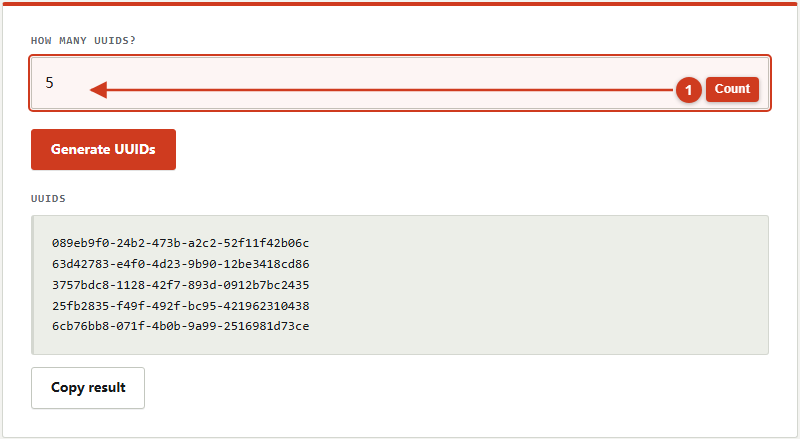
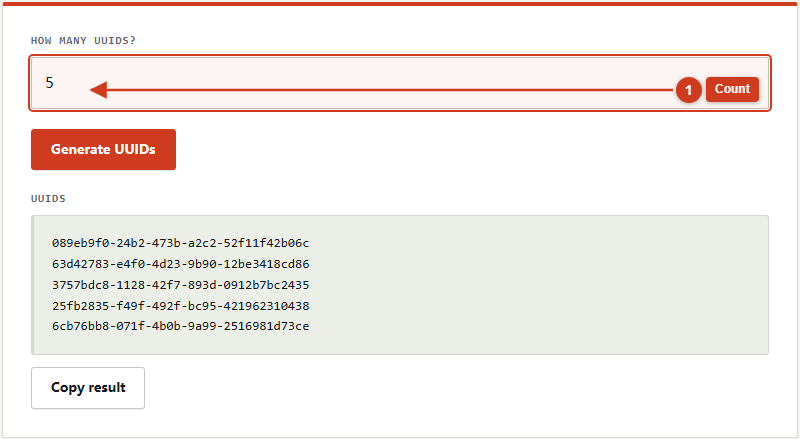
Enter how many UUIDs to generate. This example creates five.
Run the tool
Click Generate UUIDs to create a fresh batch. Each UUID appears on its own line, ready to copy. Values are generated with crypto.randomUUID where available.
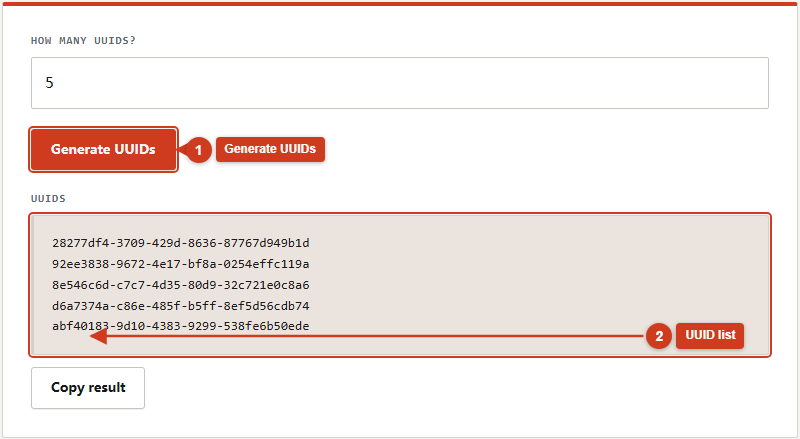
Tip: A new batch is generated on every click, so you never reuse the same identifiers.
Frequently asked questions
What is a UUID?
A 128-bit identifier formatted as eight-four-four-four-twelve hexadecimal characters. Version 4 UUIDs are randomly generated.
Are these UUIDs unique?
Collisions are practically impossible with a good random source. The browser crypto API provides one.
Is anything uploaded?
No. UUIDs are generated locally with crypto.randomUUID where available, with a fallback implementation.
Can I generate many at once?
Yes. Set the count up to 100 and all identifiers appear in the output box.
Page last reviewed: