Password Generator
Create a password with the length and character sets you need. Randomness comes from crypto.getRandomValues, not Math.random.
How it works and known limits
Where the randomness comes from
Characters are drawn using crypto.getRandomValues, a cryptographically secure source provided by the browser. Length is clamped to 4 to 128 characters. Character sets can be combined, and the similar-character option removes 0, O, 1, l and I from the pool.
One implementation detail
Each random 32-bit value is reduced with a modulo of the pool size. For a pool of 26 to 94 characters this introduces a very small bias towards the first characters in the pool. It is negligible for typical use but worth knowing if you need mathematically uniform sampling.
Choosing a password
A 20-character password from the full pool has roughly 125 bits of theoretical entropy, well beyond what most accounts need. Length matters more than symbol variety, and a password manager should store the result since it cannot be remembered reliably.
How to generate a strong password (with screenshots)
Create a random password with a chosen length and character sets, using the browser crypto source.
Open the Password Generator
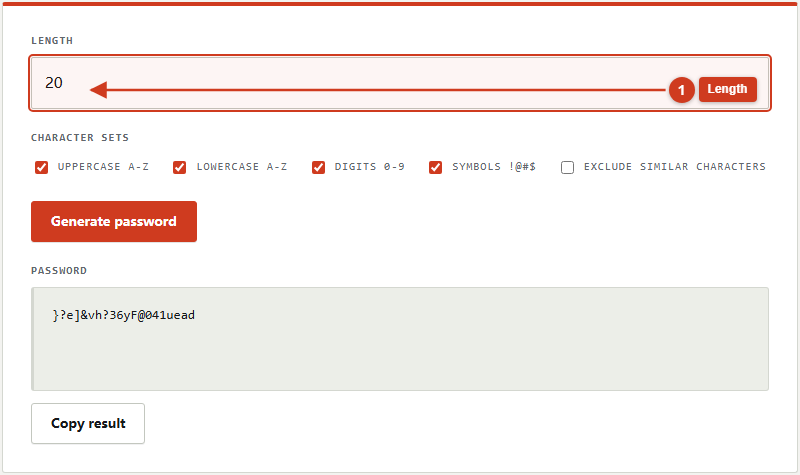
Open the Password Generator page. The length is where your work begins; the result appears on the right.
Enter your input
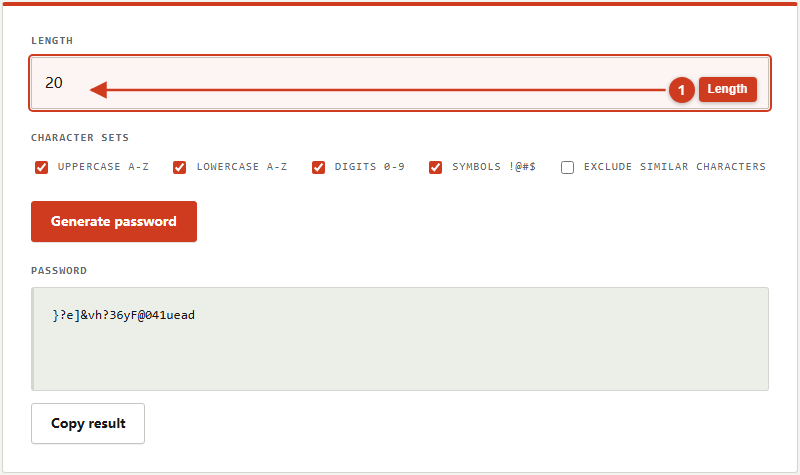
Set the password length. The checkboxes below choose which character sets to include; uppercase, lowercase and digits are on by default.
Run the tool
Click Generate password to create a new random value. A fresh password appears in the result box each time you generate. Randomness comes from the browser crypto API.
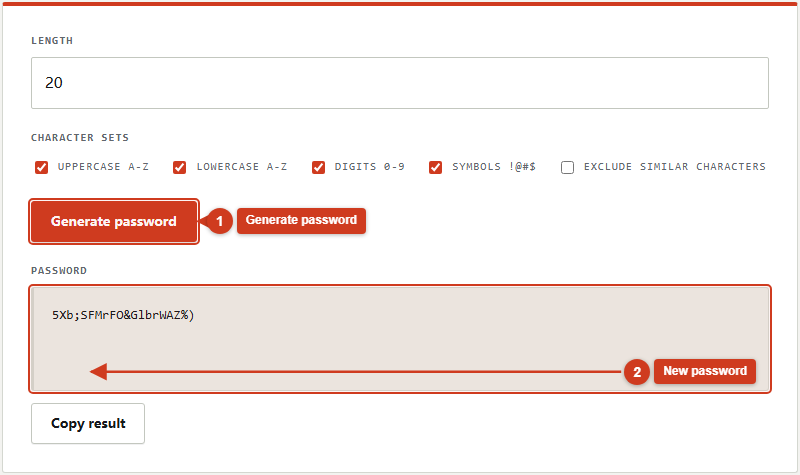
Tip: Include symbols and exclude similar-looking characters when the password must be typed by hand.
Frequently asked questions
How random are the passwords?
They use crypto.getRandomValues, a cryptographically secure random source provided by your browser.
What length should I choose?
At least 16 characters for most accounts, and 20 or more for high-value accounts.
Are generated passwords stored?
No. They exist only on this page and are never transmitted or saved.
Can I exclude similar characters?
Yes. Toggle the option to exclude 0, O, 1, l and I.
Page last reviewed: