Roman Numeral Converter
Type a number to get its Roman form, or paste a Roman numeral to read its numeric value.
How it works and known limits
Conversion rules
Numbers are built from the standard subtractive notation using I, V, X, L, C, D and M. Four is written IV rather than IIII, nine as IX, and the same pattern repeats at each place value. The valid range is 1 to 3999, which is the range expressible with classical symbols.
Input validation
Roman input is checked against the canonical form, so an invalid string such as IL or VX is rejected rather than silently converted. Letters are uppercased before parsing. A result of zero or a value above 3999 is reported with a clear message.
Known limits
There is no standard Roman notation for zero or fractions, and larger numbers historically used an overline that this plain-text tool cannot display. Strict validation means non-canonical but historically attested forms are not accepted.
How to convert Roman numerals (with screenshots)
Convert Arabic numbers to Roman numerals and back, with validation of canonical form.
Open the Roman Numeral Converter
Open the Roman Numeral Converter page. The number is where your work begins; the result appears on the right.
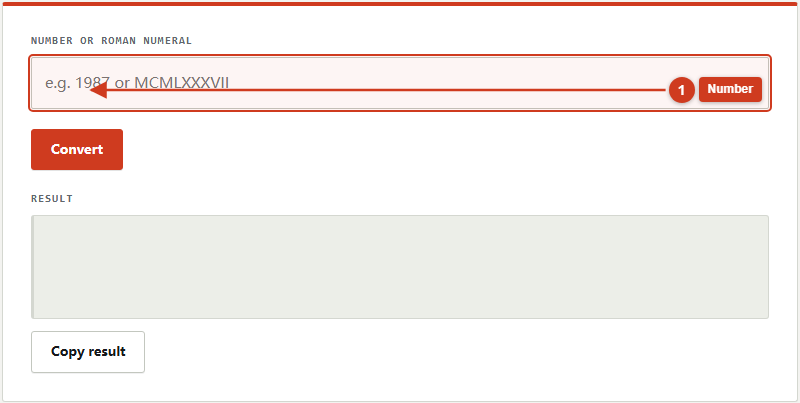
Enter your input
Enter a whole number from 1 to 3999, or a Roman numeral to convert back. This example uses 1994.
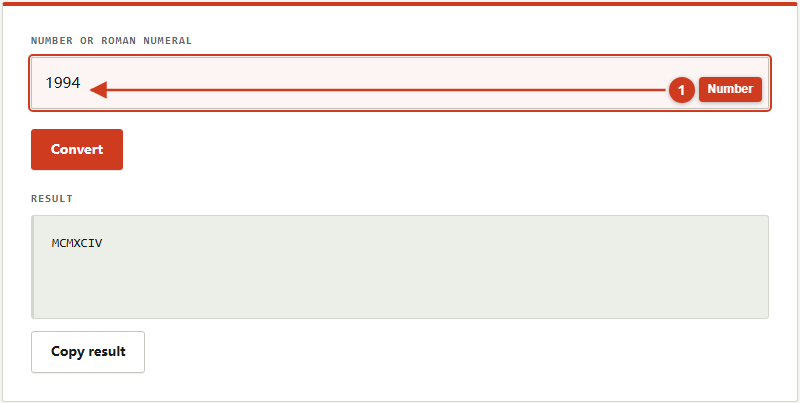
Read the result
Numbers become Roman numerals and Roman numerals become numbers, updated as you type.
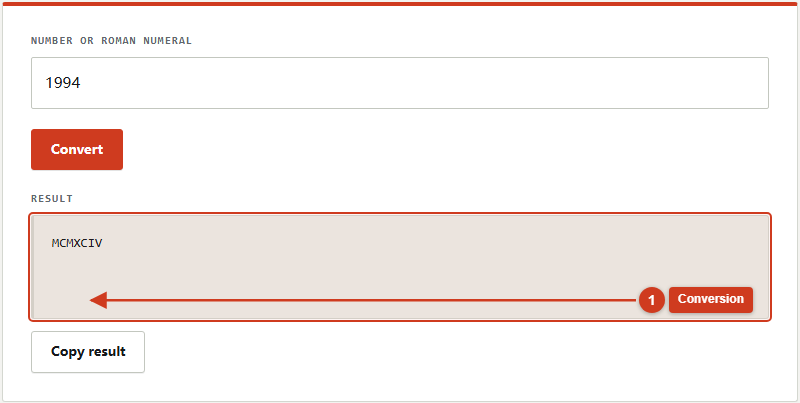
Tip: The converter enforces canonical form, so it accepts IV but rejects IIII.
Frequently asked questions
What is the supported range?
Integers from 1 to 3999, the range covered by standard Roman symbols.
Why is my Roman numeral rejected?
The tool expects canonical subtractive notation. Forms such as IL or VX are not valid.
Does it handle lowercase input?
Yes. Roman numerals are uppercased before conversion.
Is anything sent to a server?
No. Conversion is done locally in your browser.
Page last reviewed: