Text Reverser
Pick how you want to flip your text: reverse every character, reverse the order of words, or reverse the order of lines.
How it works and known limits
What each mode does
Characters mode reverses the string from end to start. Words mode keeps every word intact but lists them in reverse order, rejoined with single spaces. Lines mode reverses line order while leaving the content of each line unchanged.
Unicode and emoji
Characters mode uses the browser Array.from, which splits text by Unicode code point rather than by UTF-16 code unit. This keeps most emoji intact instead of producing broken surrogate halves. Combining marks attached to a letter may still separate from their base character.
Practical uses
Character reversal is useful for puzzles and testing palindromes. Words and lines modes help reorder lists, reverse a changelog or inspect a stack trace from the bottom up. Whitespace between words is normalised in words mode.
How to reverse text (with screenshots)
Reverse characters, words or lines. Pick a mode and the result updates instantly in your browser.
Open the Text Reverser
Open the Text Reverser page. The text is where your work begins; the result appears on the right.
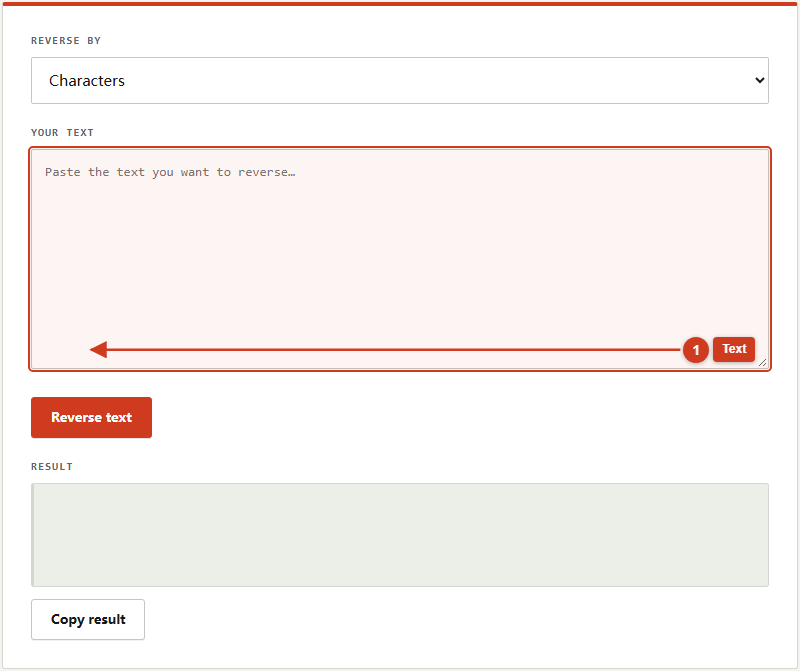
Enter your input
Type or paste the text you want to reverse into the input box.
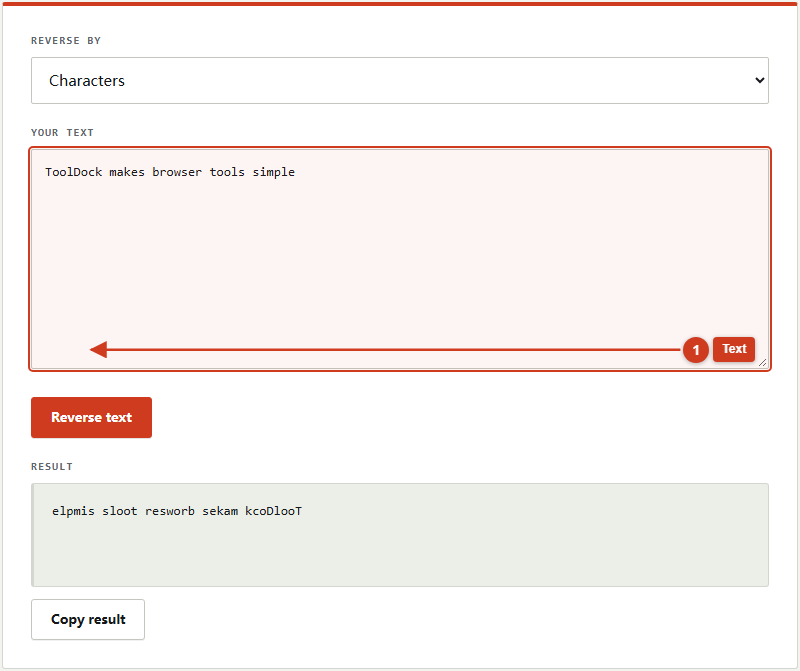
Set the options
Choose how to reverse: characters, words or lines. This example reverses word order.
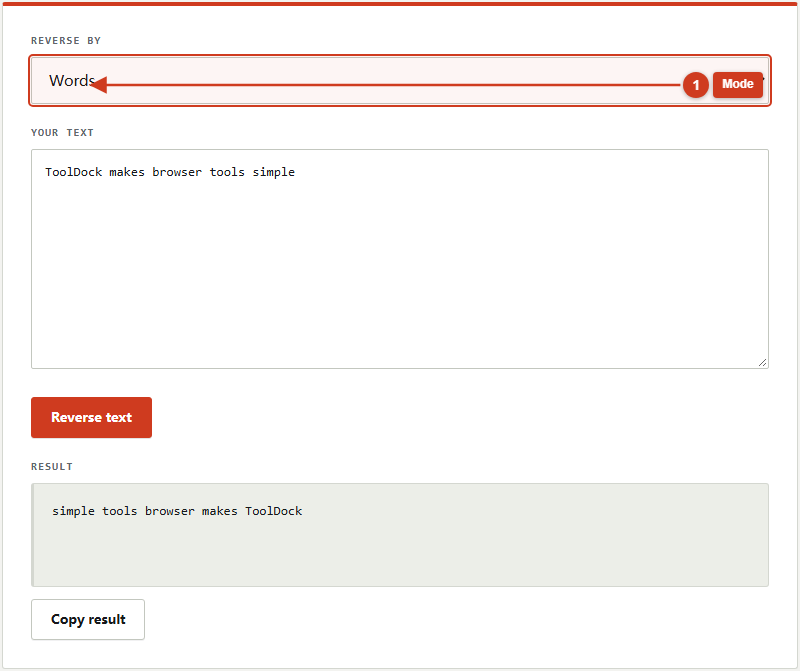
Read the result
The result updates as you type or change the mode. In Words mode the word order flips but each word stays intact.
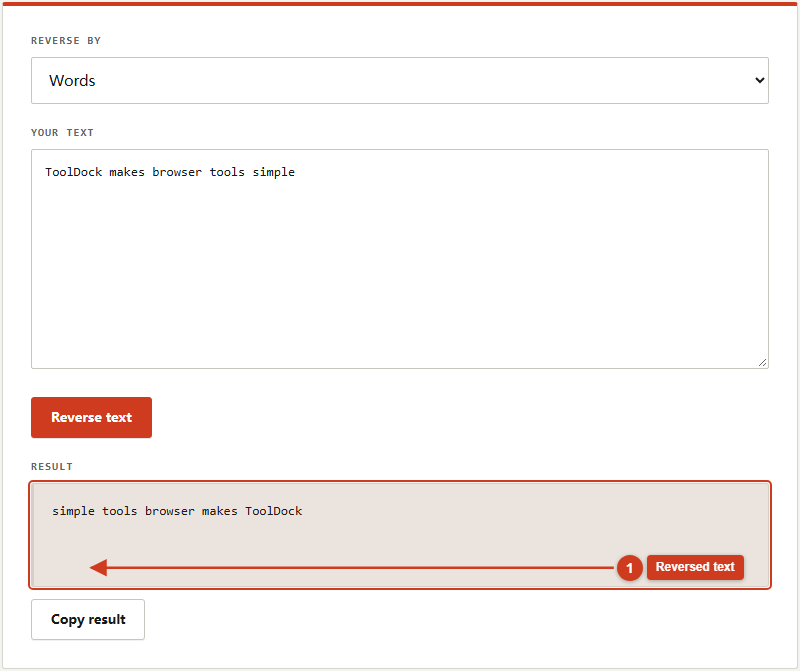
Tip: Use Lines mode to flip the order of a list while keeping each line unchanged.
Frequently asked questions
Does it reverse emoji correctly?
Most emoji stay intact because reversal works on Unicode code points, though combined sequences can still split.
Is whitespace preserved?
Characters and lines modes keep whitespace. Words mode rejoins words with single spaces.
Is my text stored?
No. Reversal happens entirely in your browser and nothing is saved.
Can I reverse a whole document?
You can paste any amount of text, subject to browser memory. Very large documents may be slow.
Page last reviewed: