Unix Timestamp Converter
Enter a timestamp to see the corresponding date, or enter a date to get its Unix timestamp. Both seconds and milliseconds are supported.
How it works and known limits
How conversion works
A Unix timestamp counts seconds since 1 January 1970 00:00:00 UTC, leap seconds excluded. The tool detects the unit by digit length: 10 digits are treated as seconds and 13 digits as milliseconds. Both a UTC string and a local-time representation are shown so you can tell them apart.
Known limits
JavaScript Date uses 64-bit floats, so timestamps beyond 8.64e15 ms (roughly year 275760) overflow. Dates before 1970 must be entered with a negative timestamp. The Year 2038 problem affects 32-bit systems, not this browser-based converter.
Practical uses
Convert log timestamps to a readable date when debugging, or generate a creation timestamp for an API payload. When storing timestamps for long-term archives, prefer seconds and record the timezone separately.
How to convert a Unix timestamp (with screenshots)
Turn a Unix timestamp into a readable UTC and local date, and read back seconds and milliseconds.
Open the Timestamp Converter
Open the Timestamp Converter page. The timestamp is where your work begins; the result appears on the right.
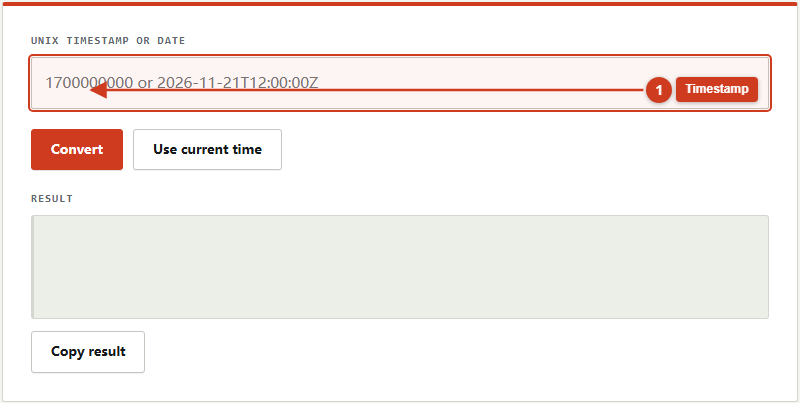
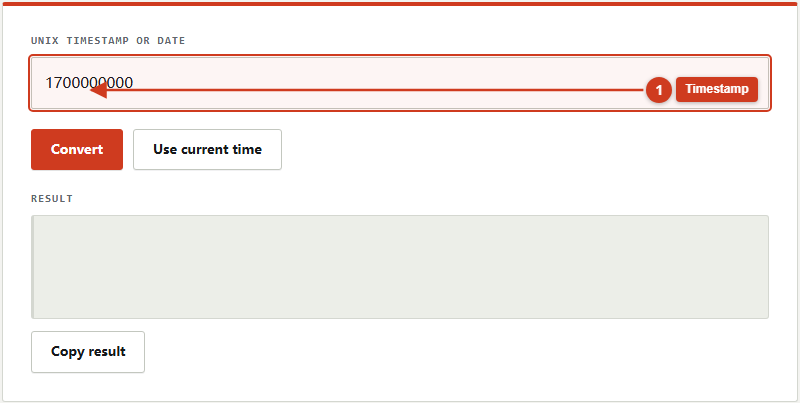
Enter your input
Enter a Unix timestamp in seconds or milliseconds. This example uses seconds.
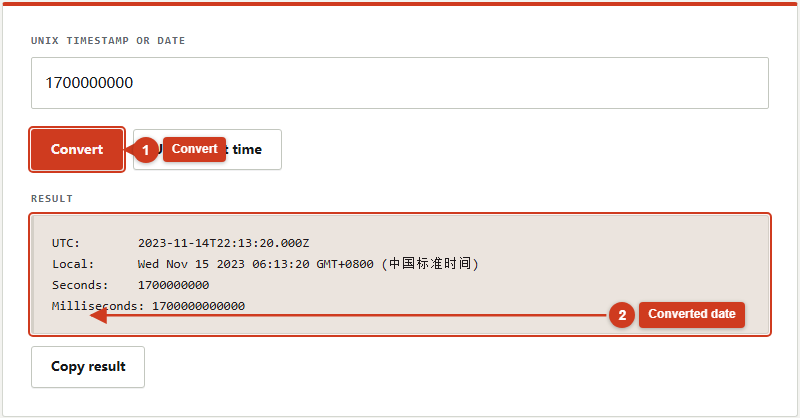
Run the tool
Click Convert to decode the timestamp. The result shows the UTC string, your local date, the epoch seconds and the epoch milliseconds.
Tip: Click the Now button to fill the current timestamp automatically before converting.
Frequently asked questions
What is a Unix timestamp?
The number of seconds elapsed since 1 January 1970 00:00:00 UTC, excluding leap seconds.
How do I know if my timestamp is in milliseconds?
Millisecond timestamps have 13 digits, second timestamps have 10. The tool accepts both and detects the unit.
Does it show UTC or local time?
Both. The result includes a UTC string and your local timezone representation.
Is the conversion done on a server?
No. JavaScript Date handles it locally in your browser.
Page last reviewed: