Date Calculator
Choose two dates to see the difference in days, weeks, months and years, or add and subtract a number of days from a single date.
How it works and known limits
How the difference is computed
Both dates are read at midnight in your local timezone and converted to milliseconds. The day count is the difference divided by 86,400,000 and rounded to the nearest integer, so daylight-saving shifts do not produce fractional days.
Approximate units
Weeks divide the day count by 7. Months use 30.44 days and years use 365.25 days, both long-term averages. Calendar months vary from 28 to 31 days, so the month and year figures are labelled approximate rather than exact.
Adding days
The Add days action uses the browser Date object, which advances across month and year boundaries and handles leap years. Negative values move backwards. The weekday shown is derived from local time.
How to calculate dates (with screenshots)
Find the difference between two dates, or add a number of days to a start date.
Open the Date Calculator
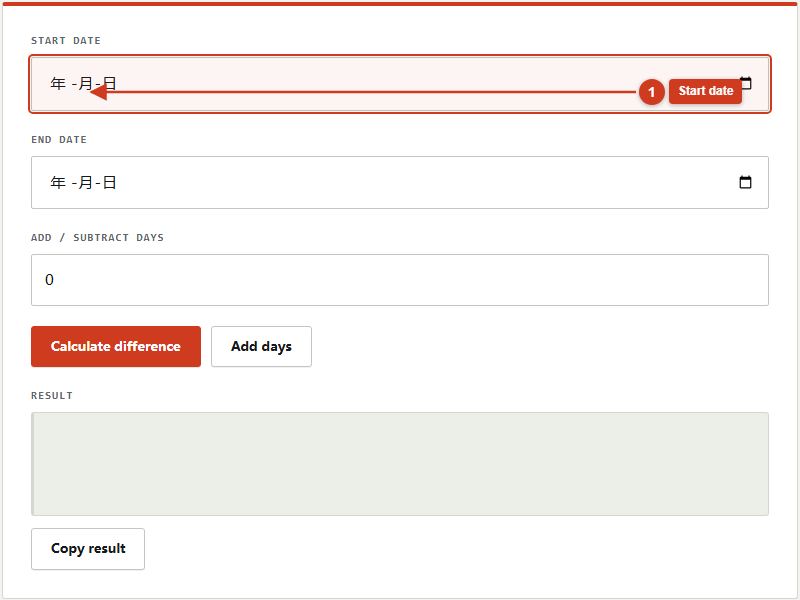
Open the Date Calculator page. The start date is where your work begins; the result appears on the right.
Enter your input
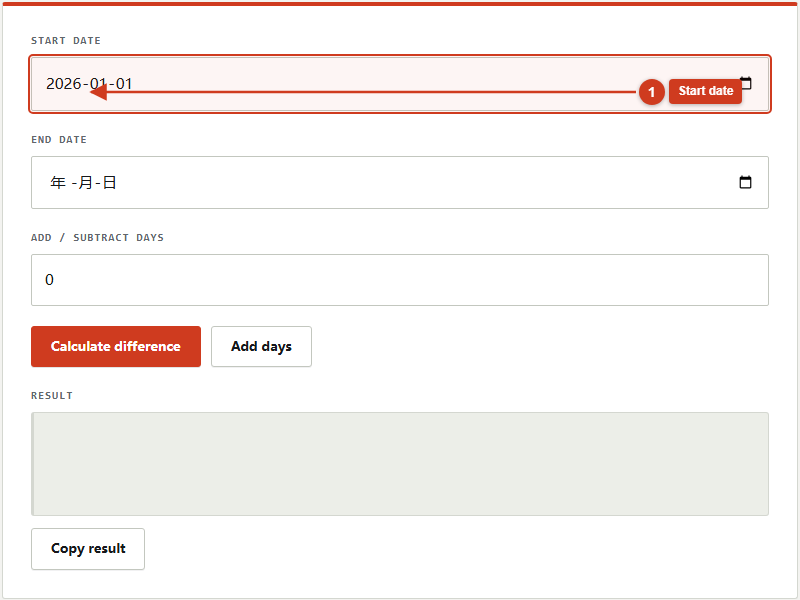
Choose a start date.
Set the options
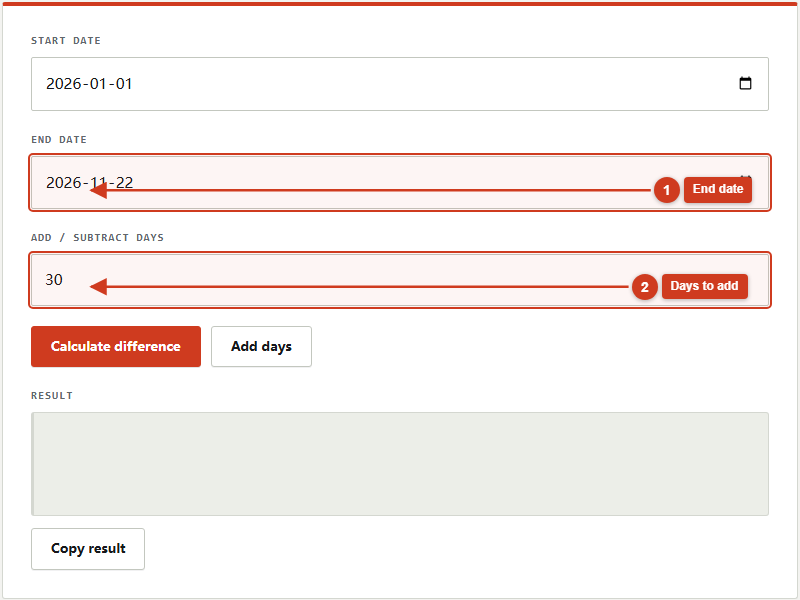
Choose an end date to measure the difference. Enter a number of days for the add-days calculation.
Run the tool
Click Date difference to compare the two dates. The result shows the gap in days, weeks, approximate months and years. The Add days button answers the other question.
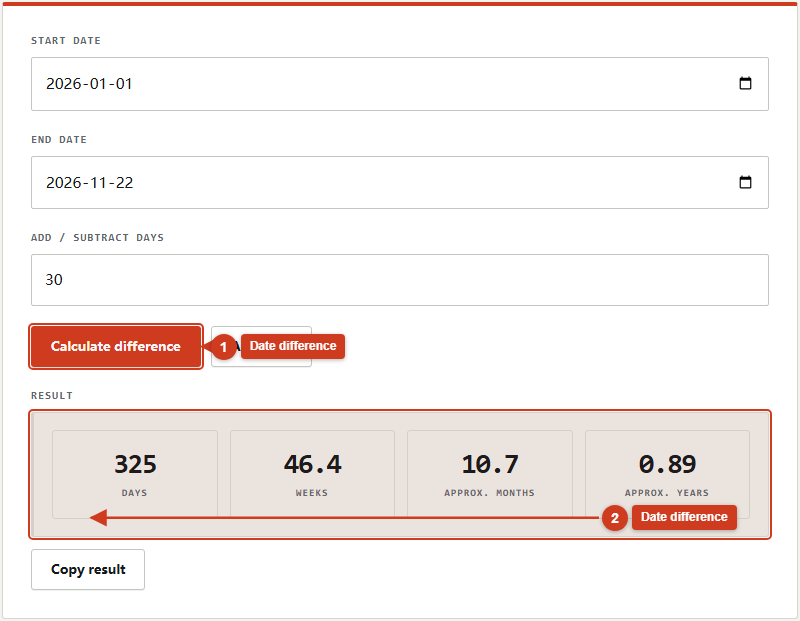
Tip: The exact day count is the primary figure; months and years are approximations for quick reading.
Frequently asked questions
Are leap years handled?
Yes. Calculations use the browser Date object, which accounts for leap years and varying month lengths.
Is the end date included in the count?
The tool reports the number of 24-hour periods between the two dates at midnight in your local timezone.
Can I subtract days?
Yes. Enter a negative number in the days field to move backwards.
Are my dates uploaded?
No. All calculation happens locally.
Page last reviewed: